Google Shopping Optimization: A Playbook for POD Apparel
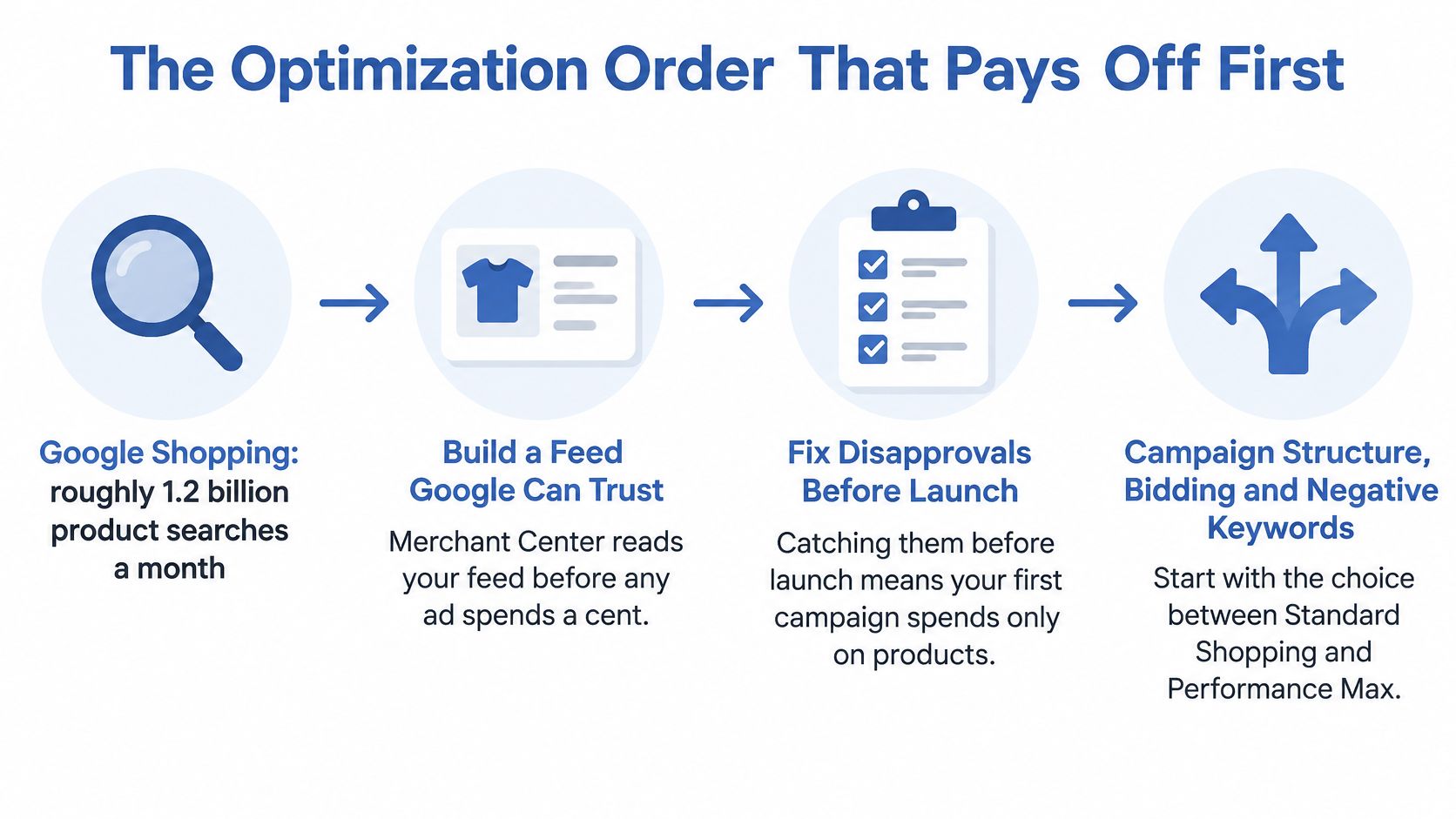
About 1.2 billion product searches move through Google Shopping in a typical month, and about 31.5% of online shoppers start a purchase there, according to industry estimates in Scuba Marketing's Google Shopping statistics. The United States accounts for roughly 36.86% of shopping.google.com traffic, Germany 15.00%, and the United Kingdom 9.40%. Those three markets are more than 60% of the traffic in that analysis. Treat the figures as directional, not as audited Google totals.
That scale is why a small, complete, accurate variant catalog beats a large one full of disapprovals. Google Shopping optimization starts with data Google can trust. Bids only amplify whatever the feed already says.
Table of Contents
- The Optimization Order That Pays Off First
- How to Build a Feed Google Can Trust
- Fix Disapprovals Before Launch
- Titles, Descriptions and Images That Earn Clicks
- Custom Labels and Pricing for Campaign Control
- Campaign Structure, Bidding and Negative Keywords
- Testing, Tracking and When to Scale Winners
The Optimization Order That Pays Off First
Pull the levers in this order. Skipping ahead is how stores buy clicks they cannot convert.
- Feed integrity. Every variant is approved, unique, and accurate.
- Titles, descriptions, and images. Shoppers have to recognize the garment.
- Custom labels and pricing. Margin and season decide which products deserve budget.
- Campaign structure. Product groups follow those labels.
- Bidding. Automated bids need clean prices and real conversion values.
- Search term hygiene. Irrelevant queries come out. Expensive queries that still convert stay.
- Tracking and testing. One change at a time, read on a set window.
The order matters because a bid does not repair a mismatched price, a shared image, or a missing size. Raising bids on a disapproved or mismatched product only spends on traffic the landing page cannot fulfill. Feed work belongs in week one, the first campaign in week two, and the first real budget decisions after about 30 days of data.
Localization starts on day one. Set currency, shipping cost, delivery times, sizing conventions, and return terms for the country you are selling into. One market, done properly, beats a generic listing aimed at everyone.
The feed is the first ad a shopper actually sees. If that record is wrong, no bid strategy fixes the click.
How to Build a Feed Google Can Trust
Merchant Center reads your feed before any ad spends a cent. A clean feed is the cheapest optimization you will ever do. Google's product data specification treats that data as the base for matching products to searches, free listings, and ads in AI-powered formats.
For most products, eligibility rests on id, title, link, image_link, price, description, and availability. Brand is required when a brand or manufacturer is associated with the product. A GTIN is required when the manufacturer assigned one, and an MPN is required when no GTIN exists. Print-on-demand apparel usually has neither. You still need a stable identity, a real price, and complete variant attributes so Google can tell one offer from another.
Build one record per variant
- Give every variant a stable id.
tee-fishing-dad-fgn-mstays put even when you rewrite the title. A new id splits history and makes a winner look like a new product. - Group color and size under one item_group_id.
tee-fishing-dadties Forest Green Medium to the same design in Navy Large. Google can show the right variant without treating each row as an unrelated item. - Map a Google product category and a product type two or three levels deep. Use the official taxonomy for the category, and a path such as Apparel > Tops > Tees > Graphic Tees for product type. Categories classify. They are not a place for synonyms or slogans.
- Fill brand, color, size, gender, and age group on every variant. These fields match "forest green tee" and "unisex adult" searches. Your store name is a valid brand when you are the seller of the decorated garment.
- Set identifier_exists to no when you have no GTIN or MPN. Never invent one. A fake identifier links your tee to the wrong product record.
- Match price, availability, shipping, and returns to the landing page and checkout. If the feed says one price and the cart says another, the offer is not eligible to be trusted.
- Add Product and Offer structured data in server-rendered HTML. Markup that appears only after JavaScript loads does not count for Merchant Center setup. The page should confirm the feed, not contradict it.
- Schedule a feed refresh. Price and availability change. A scheduled push beats a manual upload you remember on Friday.
The slip that hides sales is several variants sharing one id or one image. You then cannot see which color is selling, and the shopper who clicked Forest Green lands on Navy.
Attributes on a unisex graphic tee
| Attribute | Why It Matters | Example for a Unisex Tee |
|---|---|---|
| id | Stable unique ID per variant; changing it resets history | tee-fishing-dad-fgn-m |
| item_group_id | Links the color and size variants of one design | tee-fishing-dad |
| title | Core matching text built from product type, color, and size | Vintage Fishing Dad Unisex Tee Forest Green Medium |
| price | Must match the landing page and checkout | 24.00 USD |
| availability | Live stock status; POD items are usually in stock | in_stock |
| brand | Required when a brand or manufacturer is associated; store name works | Your store name |
| identifier_exists | Set to no when you have no GTIN or MPN; never invent one | no |
| google_product_category | Official Google taxonomy category, not search terms | Apparel & Accessories > Clothing > Shirts & Tops |
| color | Matches color-specific searches | Forest Green |
| size | Matches size-specific searches | M |
| gender and age_group | Narrows apparel matching | unisex, adult |
Approval only means the row met the rules. Relevance still depends on those attributes being true.
Fix Disapprovals Before Launch
Most disapprovals are feed fixes that take an afternoon. They are not a verdict on the design. Catching them before launch means the first campaign spends only on products that can show.
| Symptom | Likely Cause | Fix |
|---|---|---|
| Missing size or color error | Variant attributes left blank | Fill size and color for every variant |
| Price mismatch | Feed price differs from landing page or checkout | Source price from one place and remove stale sale prices |
| Image disapproved | Text overlay, watermark, or low-resolution mockup | Use a clean mockup on a plain background |
| Title disapproved | Promotional text or keyword stuffing | Remove Sale or Free Shipping and use descriptive product terms |
| Identifier warning | No GTIN or MPN and no setting | Set identifier_exists to no |
| Wrong image on a color | Variants sharing one image_link | Assign a per-color image_link |
| Availability out of date | Manual feed updates | Schedule an automatic feed refresh |
| Product stuck pending | New account or policy review | Check diagnostics and allow the review window |
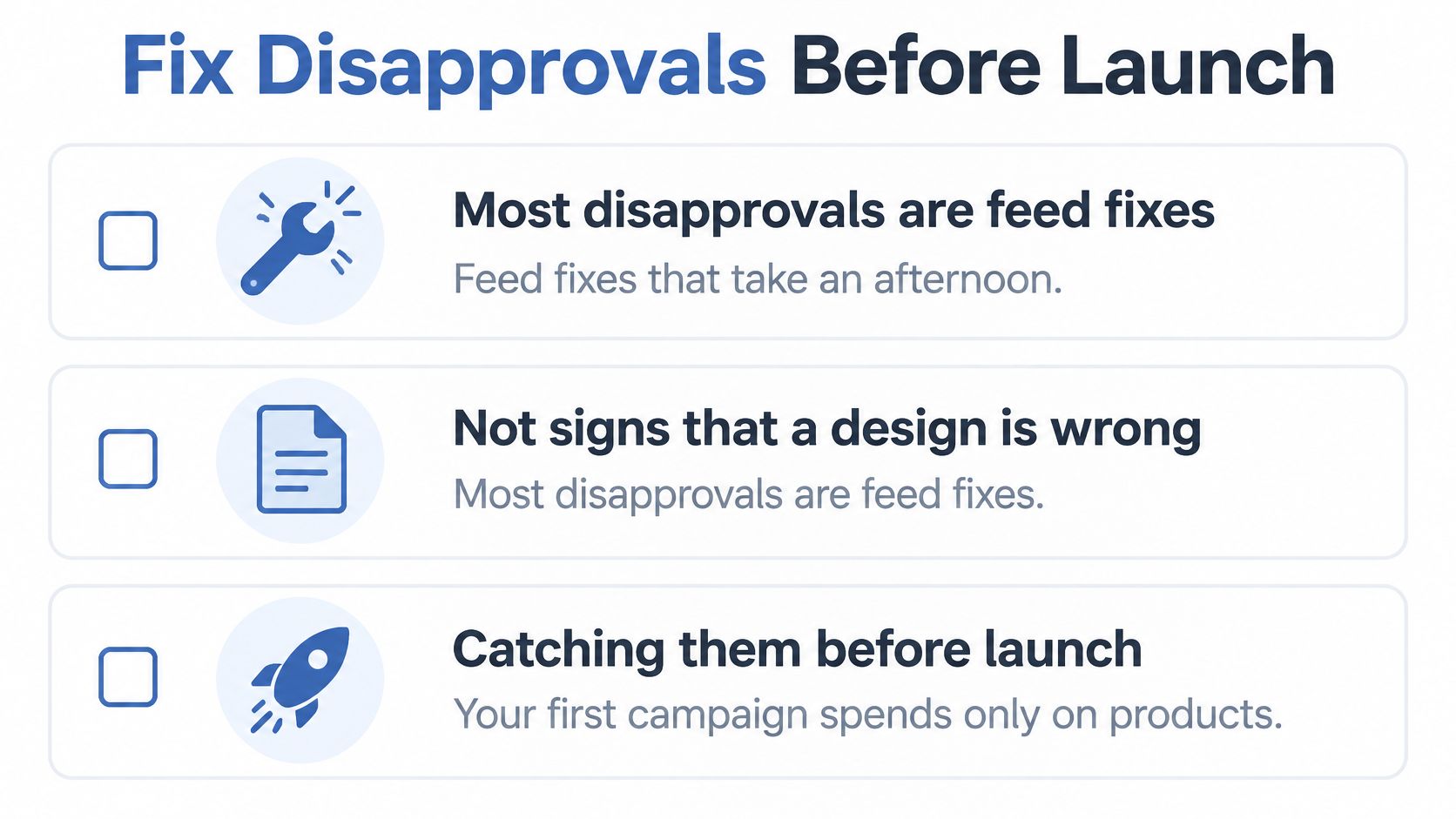
Each Monday, open Merchant Center diagnostics and sort issues by the products that drive the most sales. Fix the feed, not the ad. Resubmit, allow review time, and log the fix so repeat problems show up. Before you spend, confirm unique ids, complete variants, identifiers handled, prices matched, clean mockups, structured data, a scheduled refresh, labels, negatives, and tracking.
This week, run that pass on your top ten products, then launch one Standard Shopping campaign for your best-selling group. A small, clean catalog is a strong start, and every fix pays back in every campaign after it.
Titles, Descriptions and Images That Earn Clicks
A plain title that matches the search beats a clever one. For apparel, aim for roughly 60 to 150 characters. Lead with the design theme and garment type, then the audience, then color and size.
Retro Fishing Dad Crew Neck Sweatshirt for Men, Navy, Large.
That string tells Google the theme, the garment, who it is for, the color, and the size. "Sale" and "Free Shipping" waste that space and can trigger a disapproval. Google's own testing guidance favors experiments over one universal formula, including a test of whether color belongs in the title. Change one element, then read the result inside that product group.
Descriptions that answer the product question
Write two to four sentences in your own voice. Cover fabric weight and blend, fit, print method, care, and one occasion or gift use. Do not paste the design brief. A shopper deciding between two fishing sweatshirts wants to know it is a midweight fleece, a regular fit, and a straightforward gift, not a slogan repeated from the artwork. If description writing is the slow part, the walkthrough on how to write product descriptions keeps the page and the feed saying the same thing.
Images that match the variant
The first image should be a clean mockup on a plain background. Add a model shot, a back-print view, and a size-on-body view when you have them. Each color needs its own image so a Forest Green click does not open a Navy photo. Reusing one mockup across every color is the mistake that makes a correct feed look wrong on the results page.
When mockup production is the bottleneck, AvatarIQ from Skup generates mockups and model shots from your designs so listing speed does not depend on a photoshoot.
A title that mirrors what the shopper typed usually beats a clever one.
Custom Labels and Pricing for Campaign Control
Labels let one catalog feed several campaigns with different budgets and targets. You do not duplicate the product. You tell Google which slice of the same feed a campaign may use.
| Label | What It Encodes | Example Values | Campaign Use |
|---|---|---|---|
| custom_label_0 | Margin tier | High, Standard, Low margin | Separate budgets and ROAS targets per tier |
| custom_label_1 | Season or drop | Summer 2026, Evergreen | Pause seasonal items when the window closes |
| custom_label_2 | Design theme | Fishing, Dog Mom, Gym | Compare ROAS across themes |
| custom_label_3 | Price band | Under 25, 25 to 40, Over 40 | Scale bids by average order value |
| custom_label_4 | Performance status | Test, Winner, Hold | Move proven products into scaled campaigns |
A break-even you can recalculate
Take a graphic tee at 26.00 USD. Production and shipping cost 12.50. Payment and platform fees run about 1.20. Contribution before ads is about 12.30 per order. Break-even ROAS is about 2.1x, because 26.00 divided by 12.30 lands near 2.1. Any campaign returning less than that loses money before overhead.
A higher-margin piece, where production takes a smaller share of the selling price, has a lower break-even. That product can carry a more aggressive bid and still leave contribution. A low-margin piece cannot. That is why custom_label_0 exists. Sustainable POD stores often plan toward a 30 to 50 percent profit margin, and the label is how that plan shows up in the campaign, not only on a spreadsheet.
Promotions without a broken price
Put the sale in the feed with a sale_price plus start and end dates. The promoted price on the landing page must match the feed for the whole window. When the window closes, remove the sale attribute instead of editing the base price by hand. A stale sale price is one of the fastest ways to earn a mismatch.
Run the same math on your own costs before you copy a ROAS target from another store. Their break-even is not yours.
Campaign Structure, Bidding and Negative Keywords
Standard Shopping gives you product-group control and a search terms report you can readily read. Performance Max reaches more surfaces and automates more of the targeting. For a small POD catalog, start with Standard Shopping on your best sellers, split by custom_label_0 so high-margin products have their own budget. Add Performance Max once you have roughly 30 conversions in the last 30 days. Before that, the automation has too little POD-specific history to prefer your winners over your tests.

Shopping campaigns need a linked Merchant Center product source. You choose which products advertise through the data source or feed labels, so a seasonal drop does not have to sit in the same campaign as evergreen tees. The setup steps in this Google Ads guide for print on demand line up with that sequence: approved products first, then grouping, then bids.
Bids follow the economics
Google's Target ROAS documentation explains that Smart Bidding predicts the value of each potential conversion and sets a bid in each auction. There is no single bid pasted onto every search. While the account is learning, Maximize conversion value is the simpler goal. Move to Target ROAS only after tracking is steady, and set the target above your break-even with a buffer, not right on the line. A 2.1x break-even does not mean a 2.1x target. Fees, returns, and a bad week need room.
Revenue-based bidding is more useful than optimizing for order count when prices and margins differ across the catalog. It only works if conversion values, prices, and tracking stay consistent. Weak revenue data teaches the system the wrong products are the profitable ones.
Negatives for the wrong search, not the pricey one
Review the search terms report every week. Add negatives for queries you do not fulfill, such as free, DIY, template, or pattern. Keep one shared negative list so a junk query does not leak into the next campaign. Do not negative a query only because the click is expensive if that query still converts inside your margin. Cost is not the same thing as irrelevance.
Testing, Tracking and When to Scale Winners
Connect Google Ads to GA4, import the conversions that matter to you, and track new versus returning buyers and branded search alongside last-click revenue. Shoppers often research on Google and buy on a later visit. Last-click ROAS alone will underrate a product that starts the order.
Change one variable inside a product group: the title, the main image, the price, or a label. Keep the reading window fixed, and compare only inside that group. A fishing tee does not get judged against a gym hoodie.
| Metric | Read After | Scale When | Fix or Pause When |
|---|---|---|---|
| ROAS against break-even | 14 days with enough orders to judge | Above break-even with a buffer | Below break-even across the full window |
| Impression share lost to budget | 7 days | Over 20% lost to budget while ROAS is healthy | Under 5% lost to budget while ROAS is below break-even: fix the offer, not the budget |
| Click-through rate | 7-10 days | At or above the account median for the product type | Below half the median after 1,000 impressions |
| Conversion rate | 14 days | At or above store average | Below store average with healthy CTR points to the landing page or price |
| Contribution per order | Weekly | Positive after ad cost | Negative after ad cost for two consecutive weeks |
These are starting lines. Move them to your own break-even. The walkthrough on how to calculate break-even ROAS is the number the table should sit on.
Scale in steps
Raise budgets about 20% every three to four days while ROAS holds. Doubling overnight resets learning and makes a winner look broken. A retro fishing design with 12 orders at 2.8x ROAS, against a 2.1x break-even, is ready for the next step. A dog-mom design with 3 clicks in ten days is not. It needs more data or a new image test, not a bigger budget.
Decide on contribution per order, not on ROAS alone.
Once a month, check Google's AI performance insights for brand share of voice across AI Mode, AI Overviews, and the Gemini app, plus funnel stage, product-term, and attribute insights. They show whether shoppers meet your designs in conversational search even when they do not click. Exposure there is a signal, not an automatic sale. Fill the missing attributes those reports point at, then go back to contribution.
Skup teaches the same feed-first sequence inside Apparel Cloning, so a new POD store can launch a clean catalog before it spends on Shopping. AvatarIQ handles the mockups that keep every color honest in the feed. When you are ready to build that catalog, visit Skup.