How to Use Pinterest for Print on Demand Marketing (2026 Guide)
Why Pinterest Works for Print on Demand
Pinterest isn’t just a social media platform—it’s a visual search engine where people actively look for products to buy. For print on demand sellers, this means reaching customers who are already in a shopping mindset, not just scrolling mindlessly.
Unlike Facebook or Instagram where your content competes with friends and family updates, Pinterest users are searching for ideas, inspiration, and products. A well-optimized pin can drive traffic to your store for months or even years after you post it.
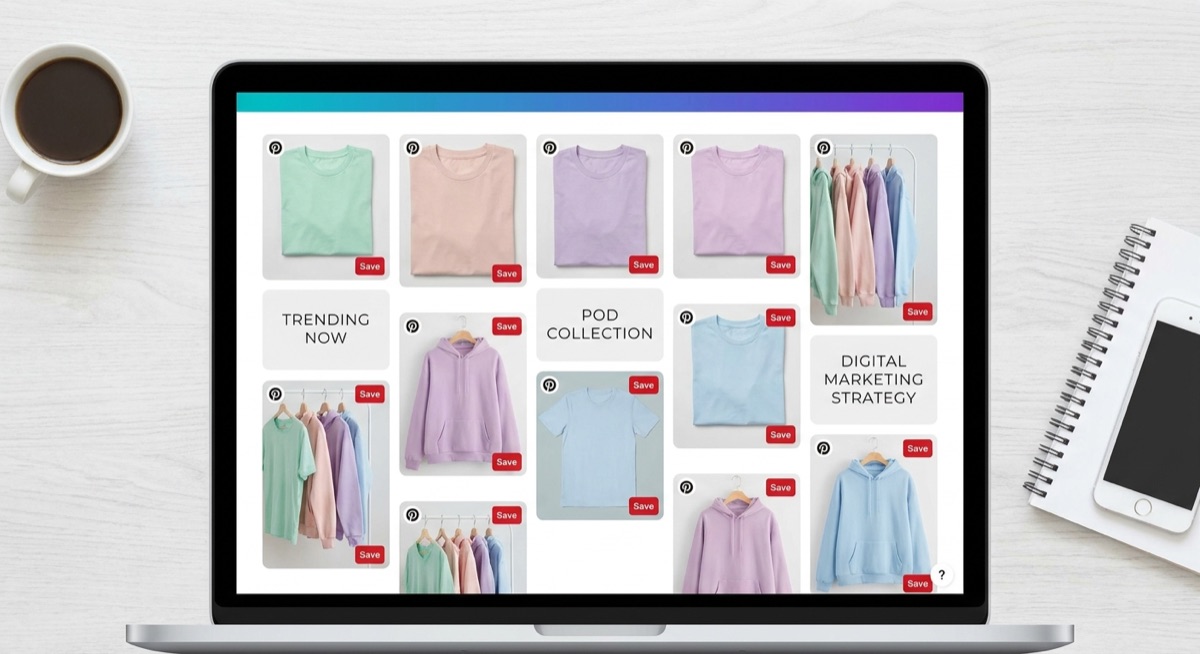
Setting Up Your Pinterest Business Account
Before you start pinning, you need a Pinterest Business account. This gives you access to analytics, rich pins, and advertising options that personal accounts don’t have.
Here’s what to set up:
- Business profile: Use your store name and add a clear description with keywords related to your niche
- Claim your website: This verifies you own your store and adds your profile picture to all pins from your site
- Enable rich pins: These automatically pull product information like pricing and availability from your store
- Create niche boards: Organize your pins into specific categories that match what your customers search for
Creating Pins That Get Clicks
Pinterest is visual-first. Your pin image is what stops someone from scrolling, and your description is what gets them to click through to your store.
For print on demand products, the best performing pins typically include:
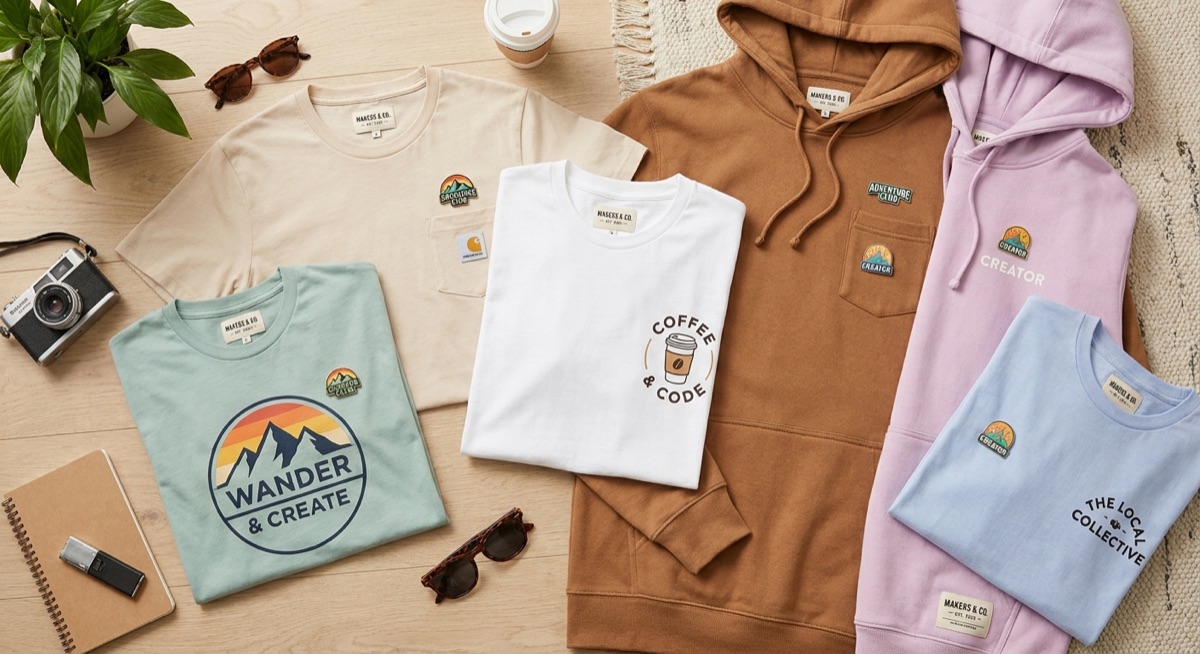
- Lifestyle images: Show your apparel being worn in real-life situations, not just flat product shots
- Text overlays: Add context like “Perfect Gift for Dog Lovers” or “New Summer Collection”
- Vertical format: Use 2:3 aspect ratio (1000×1500 pixels) which takes up more feed space
- Clear product visibility: Make sure your design is clearly visible and easy to read
Pinterest SEO: Getting Found in Search
Pinterest SEO determines whether your pins show up when people search. Unlike Google where you compete with millions of websites, Pinterest SEO is more straightforward—and the competition is often lower.
Focus on these elements:
Pin titles: Include your main keyword naturally. Instead of “Cool Shirt,” use “Funny Dad Jokes T-Shirt for Father’s Day.”
Pin descriptions: Write 2-3 sentences that include relevant keywords. Describe what the product is, who it’s for, and why they’d want it.
Board names: Name your boards based on what people actually search for. “Gifts for Coffee Lovers” performs better than “My Coffee Designs.”
Hashtags: Use 2-5 relevant hashtags at the end of your description. Pinterest hashtags work like keywords and help categorize your content.
Building a Consistent Pinning Strategy
Success on Pinterest comes from consistency, not viral moments. The algorithm favors accounts that post regularly and engage authentically.
A sustainable strategy looks like:
- Pin daily: 5-15 pins per day spread throughout the day performs better than 50 pins at once
- Mix content: Pin your own products along with relevant content from others (80/20 split works well)
- Repin strategically: Create multiple pins for your best-selling products with different images and descriptions
- Use scheduling tools: Tailwind or Pinterest’s native scheduler lets you batch your work

Tracking What Works
Pinterest Analytics shows you which pins drive traffic and which fall flat. Check these metrics weekly:
- Impressions: How many times your pins were shown
- Saves: When someone saves your pin to their board (strong buying intent signal)
- Outbound clicks: Actual traffic to your store—the metric that matters most
- Top pins: Identify what’s working and create more content in that style
Pay attention to which products, styles, and descriptions generate the most clicks. Then double down on what works.
Common Pinterest Mistakes to Avoid
Most POD sellers fail on Pinterest because they treat it like Instagram. Here’s what not to do:
- Only posting product shots: Mix in lifestyle images, quotes, and inspiration related to your niche
- Ignoring SEO: Beautiful pins with no keywords won’t get found
- Inconsistent posting: Pinning 100 times one week then disappearing hurts your reach
- Not claiming your website: You’re missing out on rich pins and brand recognition
- Expecting instant results: Pinterest is a long game—most pins take 3-6 months to gain traction
Getting Started This Week
You don’t need to master everything at once. Start with these basics:
- Set up your business account and claim your website
- Create 5-10 boards based on your niche and customer interests
- Design 3 vertical pins for your top-selling products
- Write keyword-rich descriptions for each pin
- Commit to pinning 5 times per day for the next 30 days
Pinterest rewards patience and consistency. The pins you create today could be driving traffic to your store six months from now—long after a Facebook post has disappeared from everyone’s feed.
Frequently Asked Questions
How long does it take to see results from Pinterest?
Most pins take 3-6 months to gain significant traction. Pinterest is a long-term traffic strategy, not a quick win. Accounts that post consistently for 6+ months typically see the best results.
Should I use Pinterest ads for my POD store?
Start with organic pinning first. Once you identify which pins perform well organically, you can amplify them with paid promotion. Pinterest ads work best when you already understand what resonates with your audience.
How many pins should I post per day?
5-15 pins per day is the sweet spot for most POD sellers. Quality matters more than quantity—make sure each pin has a good image and optimized description rather than rushing to hit a number.
Can I just repin my products to multiple boards?
Yes, but space it out. Pin the same content to different relevant boards over several days or weeks, not all at once. Create fresh pin images for your best products to keep your content feeling new.