How to Set Up Cart Abandonment Emails for Print on Demand (2026)
Free trainingNew to print-on-demand? See exactly how everyday people over 40 are building 6-Figure businesses in their spare time.
Watch the free training →
roughly 70% of shoppers will add items to their cart and leave without buying. That’s money walking out the door—unless you set up cart abandonment emails to bring them back.
Quick Answer
Cart abandonment emails are automated messages sent to shoppers who add products to their cart but don’t complete checkout. For print-on-demand stores, a simple 3-email sequence—sent at 1 hour, 24 hours, and 72 hours after abandonment—can recover 5-15% of lost sales. Shopify’s built-in abandoned checkout automation makes setup straightforward, even for beginners.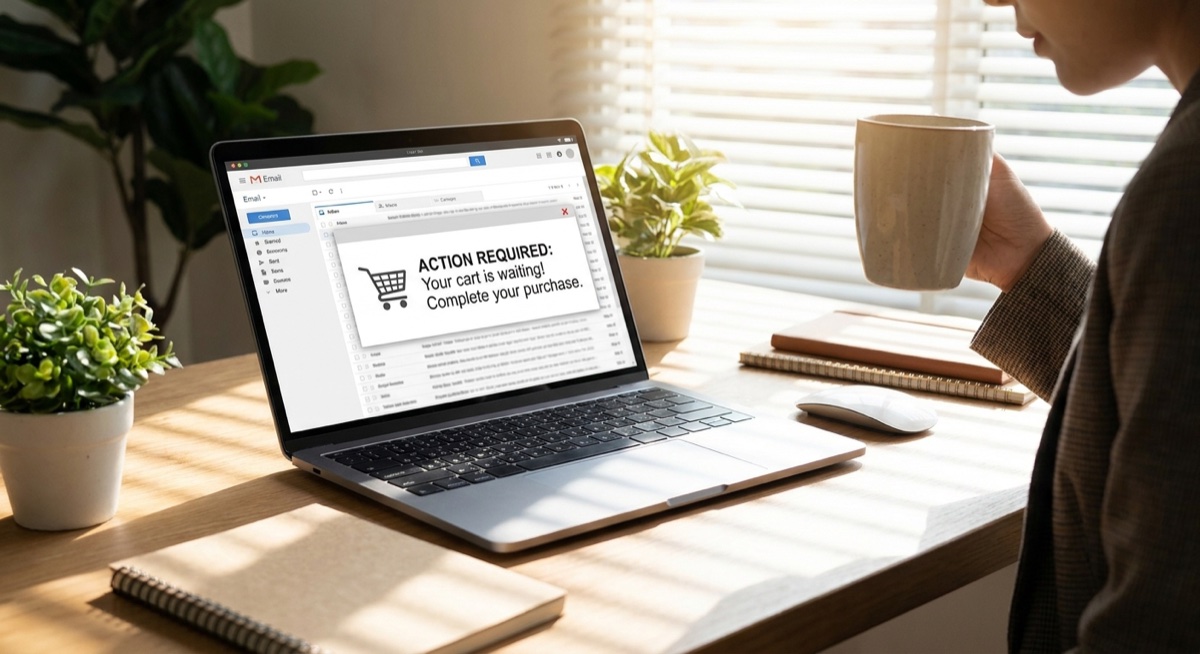
Why Cart Abandonment Emails Matter for POD
Print-on-demand products are emotional purchases. Someone sees your custom t-shirt design on Facebook, clicks through, and loves it enough to add to cart. Then life happens—their kid needs attention, they get distracted, or they decide to “think about it.” Without a follow-up system, that sale is gone forever. The numbers tell the story: According to the Baymard Institute, the average cart abandonment rate is 70.19%. But abandoned cart emails have an average open rate of 45%—far higher than regular marketing emails. Even better, about 10% of those emails result in a recovered purchase. For a POD store doing $5,000/month with a 70% abandonment rate, recovering just 10% of abandoned carts means an extra $350/month—or $4,200/year—from one automated email sequence.The 3-Email Recovery Sequence
Keep your abandoned cart sequence simple. Three emails, properly timed, outperform complicated flows with a dozen messages.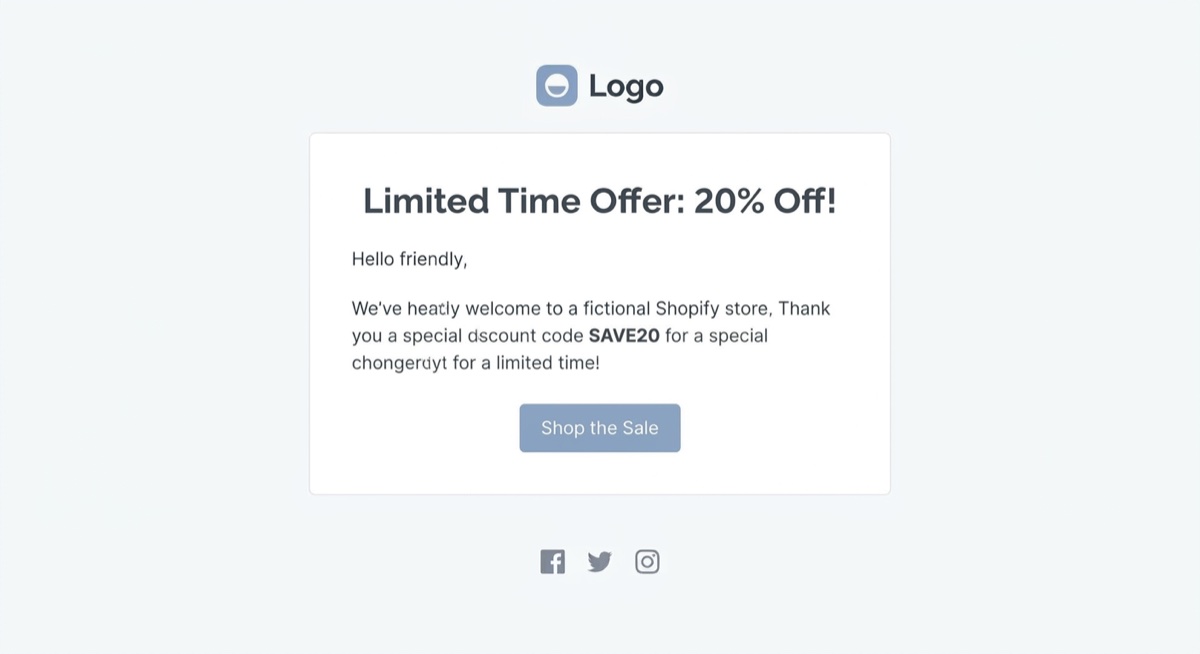
Email 1: The Gentle Reminder (1 Hour)
Send this email one hour after cart abandonment. The customer likely got distracted, not disinterested. What to include:- Subject line: “Did you forget something?” or “Your cart is waiting”
- Image of the product they left behind
- Clear button to return to checkout
- No discount yet—just a helpful nudge
Email 2: Address Objections (24 Hours)
If they didn’t buy after the first reminder, something held them back. This email should overcome common hesitations. What to include:- Social proof (reviews or number of happy customers)
- Answers to common questions (shipping time, return policy)
- Trust signals (secure checkout, money-back guarantee)
- Product image and checkout button
Email 3: Final Chance + Incentive (72 Hours)
This is your last shot. Create urgency and consider offering a small incentive. What to include:- Subject line with urgency: “Last chance” or “Your cart expires soon”
- Optional: Small discount (10% or free shipping)
- Clear deadline for when the offer expires
- Final product reminder and checkout button
Setting Up Abandoned Cart Emails in Shopify
Shopify makes this easy with built-in abandoned checkout emails:- Go to Settings → Checkout
- Scroll to Abandoned checkouts
- Select when to send (1 hour, 6 hours, or 24 hours)
- Customize the email template under Notifications
- Create multiple emails in a timed sequence
- Segment customers based on cart value
- A/B test subject lines and content
- Track recovery rates and revenue
Common Mistakes to Avoid
Sending too many emails. Three emails is enough. After that, you’re annoying customers, not recovering them. Offering discounts too soon. Lead with value, not discounts. Reserve incentives for the final email or you’ll train shoppers to abandon carts on purpose. Generic subject lines. “You left something behind” is boring. Test subject lines that create curiosity or urgency: “Your [product name] is selling fast” performs better than “Complete your order.” No product images. People forget what they were looking at. Always include a photo of the exact item in their cart. Broken checkout links. Test your emails regularly. A dead link means a lost sale.