Email Marketing Trends for 2026: 10 Ideas for eCom Brands
It's 6:40 on a Tuesday morning. You reach for your phone before you're fully awake, open your store dashboard, and see three orders that landed overnight. No ad spend. No viral post. Three people opened an email you wrote on Sunday afternoon and bought a shirt.
That's the quiet advantage of email. The Radicati Group's Email Statistics Report projected worldwide email users at 4.481 billion in 2024, rising to 4.970 billion by 2028. You don't rent that audience from an ad platform. You own the relationship, and nobody can raise the cost per click on it tomorrow.
The email marketing trends that matter in 2026 aren't about sending more. They're about sending smarter: smaller segments, better triggers, cleaner authentication, and messages that look like they came from a person instead of a template.
What follows are ten shifts, each translated into something you can build this week. A segment to create, a flow to switch on, a message to write. Pick one. Build it. Then come back for the next.
Table of Contents
- 1. AI-Powered Personalization and Dynamic Content
- 2. Interactive Emails That Keep Readers Engaged
- 3. Zero-Party Data and Privacy-First List Building
- 4. Automated Behavior-Triggered Email Flows
- 5. Mobile-First and Dark Mode Design
- 6. Sender Authentication and Deliverability Best Practices
- 7. User-Generated Content and Social Proof in Email
- 8. Short-Form Video and Animated GIFs in Email
- 9. Omnichannel Integration of Email and SMS
- 10. Conversational, Plain-Text Style Emails
- How the 10 Email Marketing Trends Compare for eCommerce Brands
- Pick One Trend This Week and Build Your Inbox Edge
1. AI-Powered Personalization and Dynamic Content
Two subscribers open the same campaign. One sees a dog-lover tee because she bought a bulldog design in March. The other sees a gym shirt because he clicked a deadlift graphic two weeks ago. Same send, two different emails.
That's dynamic content. The product block, the subject line, the send time and even the copy length shift with purchase history, browsing behavior and past engagement. Adoption is real but not universal: Litmus's 2024 State of Email Innovations report found 45% of teams already using AI in email marketing, with another 21% planning to start during the year. The window to build an edge is still open.
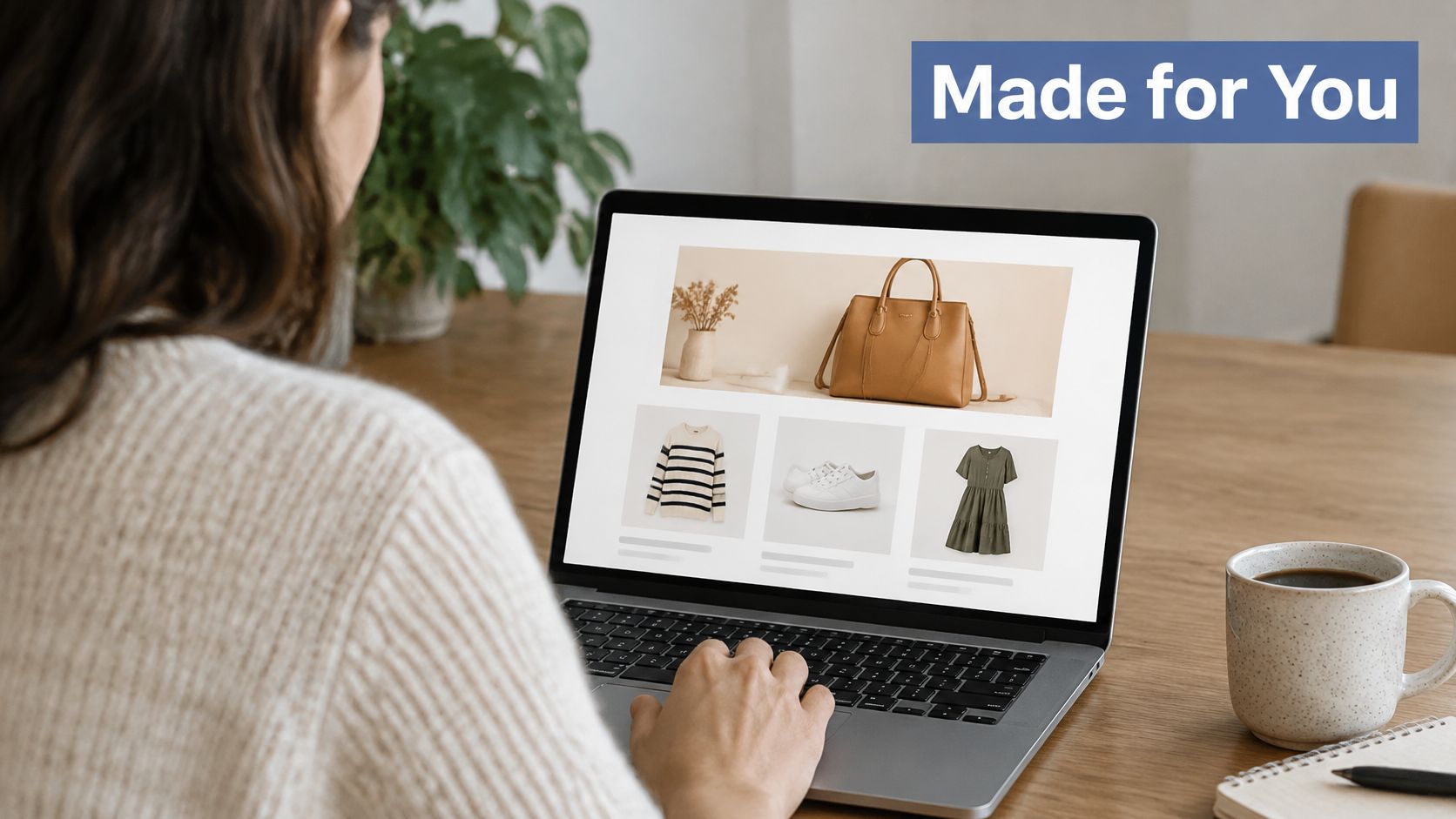
From the outside it looks mundane, which is the point: a shopper browsing a feed that seems to know her.
What this looks like in a POD store
Segment by first purchase: a customer who bought a bulldog tee belongs in a dog niche group, not a catch-all "customers" list. Build three to five of these groups before you touch a single AI feature.
Send the follow-up collection within 7 to 14 days: the first order is the strongest signal you'll ever get from a buyer.
Test one element at a time: product block this week, subject line next week. Change both and you learn nothing.
Keep a human on the final check: AI drafts, you approve for brand accuracy, product claims and consent.
Fashion retailers have run back-in-stock emails for years. A POD store can run the same play with a niche collection and see results the same week. The full build guide for these segments sits in our breakdown of personalization at scale.
2. Interactive Emails That Keep Readers Engaged
An accordion that opens a size chart inside the email saves the reader a tab switch and a page load. Small friction, but the tap you save is the tap that becomes a click.
Interactive emails let people do something inside the message itself: flip a carousel of colorways, expand a sizing guide, pick a color swatch, answer a one-question poll. Passive scrolling turns into browsing, and browsing is one step from buying.
Benchmarks are worth reading as a diagnostic here. The 2025 GDMA International Email Benchmark, covering 63 countries, reports a 32.40% confirmed open rate, a 2.91% click-through rate and a 7.62% click-to-open rate. If your opens look healthy and your click-to-open sits far below that ratio, the problem usually isn't the subject line. It's message-to-offer alignment, creative clarity and CTA placement.
Build it so it still works in Outlook
Always ship a static fallback: an image or plain link for clients that don't render interactivity. Email clients fail without warning, and a blank block looks like a broken brand.
Use accordions for the questions people ask: sizing, shipping times, fabric weight, return window.
Keep the primary button above the fold: interactivity is a detour, not the destination.
Check your render before you send: test the interactive element after you've tested images and links.
A carousel showing four colorways in one email does the work of four separate sends. That's fewer messages hitting the same list, which your subscribers will notice and appreciate.
3. Zero-Party Data and Privacy-First List Building
A subscriber lands on your popup. Instead of a single email field, she gets one question: which style do you wear most? Three thumbnails, three answers. She picks streetwear, gets her code, and her welcome series shows streetwear designs for a week.
That's zero-party data, and it's the cleanest asset on your list. She told you. You didn't infer it from a pixel, and you don't have to explain where it came from. Privacy-aware personalization is now the direction of the market: Bouncer's analysis of AI email marketing trends notes that AI is generating behavioral activity faster than marketers can interpret it, while consent frameworks and inbox filtering put more weight on permission and identity signals.
Practical rule: every question you ask should pay the subscriber back with a better product match or a discount. If a question doesn't change what you send, delete it.
Keep the quiz short
Three to five questions, no more: completion drops with every extra field.
One decision per question: style, then fit preference, then category. Ask two things at once and you get unusable answers.
Wire each answer to a segment: an answer that doesn't trigger a different welcome email was a survey, not data.
Show the payoff immediately: the first email should visibly use her answer in the product block, not just the greeting.
The unglamorous part is record keeping. Store what each subscriber chose, the date, and the exact wording of the consent, so a year from now you can prove the basis for the send. Everything else about growing a permissioned list is covered in our guide to email list building.
4. Automated Behavior-Triggered Email Flows
The best email in your account is probably one you wrote once and haven't opened since.
Behavior-triggered flows (welcome, browse abandonment, cart recovery, post-purchase, win-back) run continuously without a send date. They also carry outsized weight. Hostinger's roundup of e-commerce email trends cites benchmarks where automated emails generated about 30% of email revenue from 2% of send volume, at roughly $2.87 per send versus $0.18 for standard campaigns, a per-send difference of about sixteen times.
Read that as a budget instruction. If you have two hours this week, spend them on a flow, not a newsletter.
The four flows to build first
Welcome, three to five emails spaced a day or two apart: brand story, best-selling designs, one clear first-purchase offer.
Abandoned checkout: your most profitable trigger. Send at one hour, then at 24 hours.
Post-purchase: sizing tips, how to care for the print, an invite to a complementary collection.
Win-back: after 60 to 90 days of silence, one honest email, then suppress the contact.
Then leave them alone for a month and watch delivered revenue per recipient, not opens. A flow earning $0.40 per recipient beats a broadcast earning $0.10, even when the broadcast pulls more opens. The cart sequence, including timing and copy, is broken down in our guide to cart abandonment emails for print on demand.
5. Mobile-First and Dark Mode Design
Open your last campaign on your phone. Now walk into a dim room and look at it again.
Two things are being tested at once: thumb reach and color palette. Mobile-first design means one column, large tap targets, short paragraphs and a font size that doesn't require a pinch. Dark mode support means the email survives when the client inverts a white background to near black.
The click is the scarce event. MailerLite's 2025 benchmark comparison puts average email performance around 43.46% opens, a 6.81% click-to-open rate and 2.09% clicks, while e-commerce averages 32.67% opens and 1.07% clicks. At that click rate, every avoidable tap costs you money. Design for the thumb first and the desktop preview second.
The dark mode check most brands skip
Broken dark mode emails fail in the same three places.
Logos on white backgrounds: use a transparent PNG. A white rectangle around your logo in a dark inbox reads as a mistake.
Hardcoded text colors: black body text on a dark background disappears when the client doesn't override it. Set both light and dark styles where your platform allows.
Screenshots of product pages: a screenshot of a white page becomes a glowing rectangle in a dark inbox. Rebuild it as text and an image.
Preview on one iOS device and one Android device before every send. Compress images to keep total email weight well under 100KB, and cut anything that isn't a product, a button or a sentence.
6. Sender Authentication and Deliverability Best Practices
You can write the best email of your career and never find out it failed.
Delivery is mostly solved for senders who do the technical work. The DMA's 2025 Email Benchmarking Report reported a 98% average delivery rate in 2024, with business-to-consumer campaigns reaching 99.2%. Senders who fall outside that number usually share one trait: they skipped authentication.
The rules are no longer optional. Gmail's sender guidelines require SPF or DKIM authentication for messages to Gmail accounts since February 2024, and bulk senders must configure SPF, DKIM and DMARC. Marketing messages must also offer one-click unsubscribe and a clearly visible unsubscribe link.
The number to watch: Google advises keeping user-reported spam rates below 0.3%, and its detailed guidance recommends staying under 0.1%. Above the threshold, bulk senders can be required to take corrective action.
The setup that takes one afternoon
Ask your email platform for a step-by-step SPF, DKIM and DMARC guide: you're editing DNS records on your own domain, and your platform has walked thousands of stores through it.
Turn on DMARC reporting: it shows which senders are using your domain, including ones you forgot about.
Suppress 90 to 180 day non-openers before big sends: a smaller engaged list lands better than a large cold one.
Make unsubscribing easy: a clean exit protects sender reputation far better than a hidden link, which invites a spam complaint instead.
7. User-Generated Content and Social Proof in Email
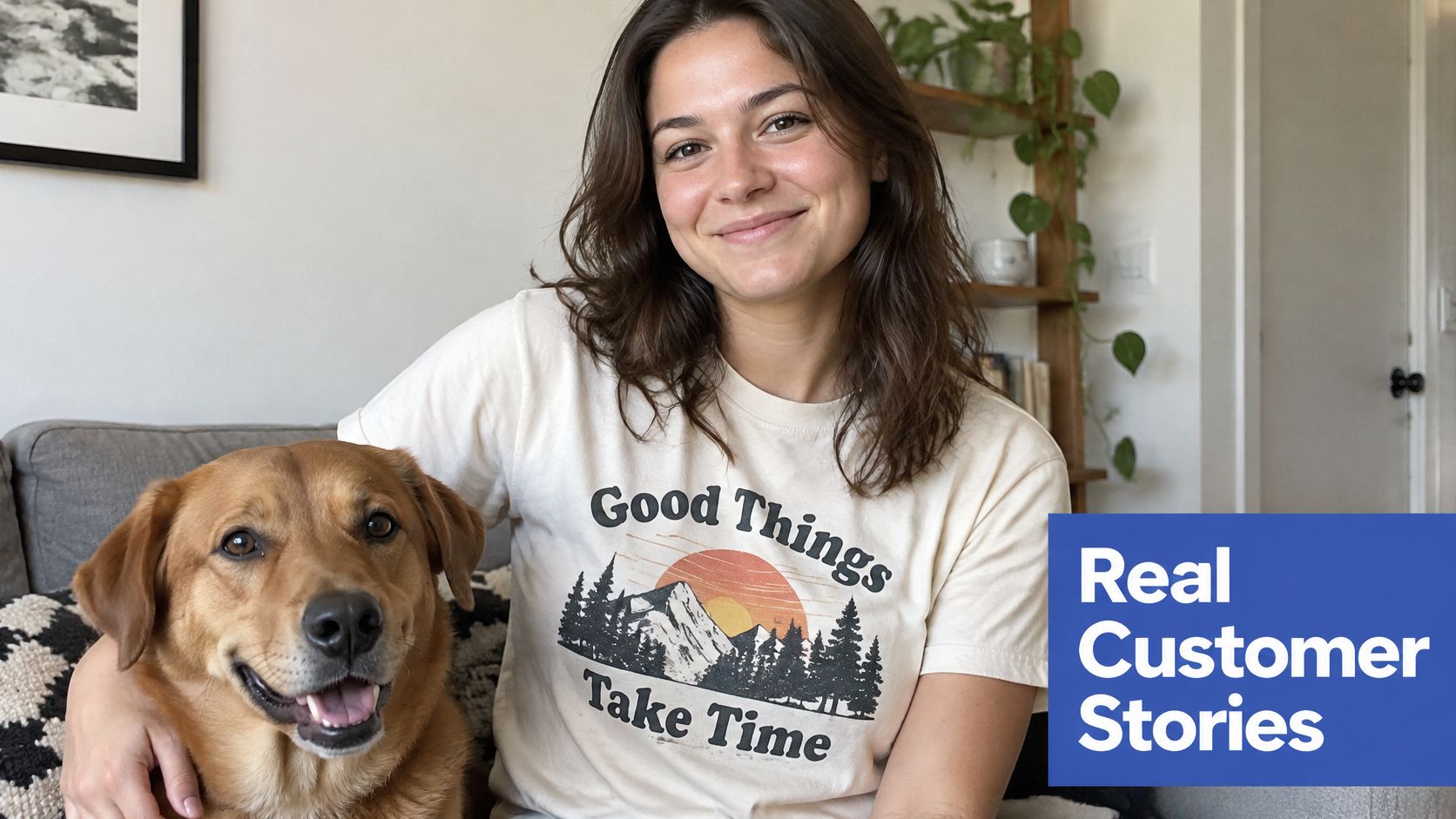
A mockup shows a design. A customer photo shows a person wearing it on a Saturday, in a kitchen, coffee mug in frame. Only one of those answers the question every apparel shopper is asking: what will this look like on me?
That's why user-generated content works in apparel email. Reviews, customer photos and short testimonials do a job a polished product shot can't, because shoppers trust other shoppers more than they trust your studio lighting.
Here's a customer photo doing exactly that job.
How to collect photos without begging
Ask in the post-purchase flow: one email, three days after delivery, with a one-line request and a photo upload link.
Make the incentive specific: a discount on the next order for approved submissions beats a vague "share your look" ask.
Get written permission: a reply saying yes, with the terms in the same thread. Save it. You'll want it in a year.
Credit and link: first name, the design she bought, and a button to that exact product.
A regular "customer of the month" slot in a weekly send gives people a reason to submit without any discount at all, and it fills a section of your email you'd otherwise spend an hour writing.
8. Short-Form Video and Animated GIFs in Email
A five second clip of a tee moving in a breeze says more than a flat mockup in a grid of six.
Motion earns the pause. A GIF that loops through three colorways, a short clip showing the print detail at the shoulder, a behind-the-scenes look at a design being built. The point isn't production value. It's comprehension: motion shows what a static image has to explain in a caption.
The technical limits that decide whether it renders
Keep GIFs under 1MB: larger files stall on mobile data and the reader sees a grey box.
Design a first frame that tells the story alone: many clients show only frame one until the reader scrolls.
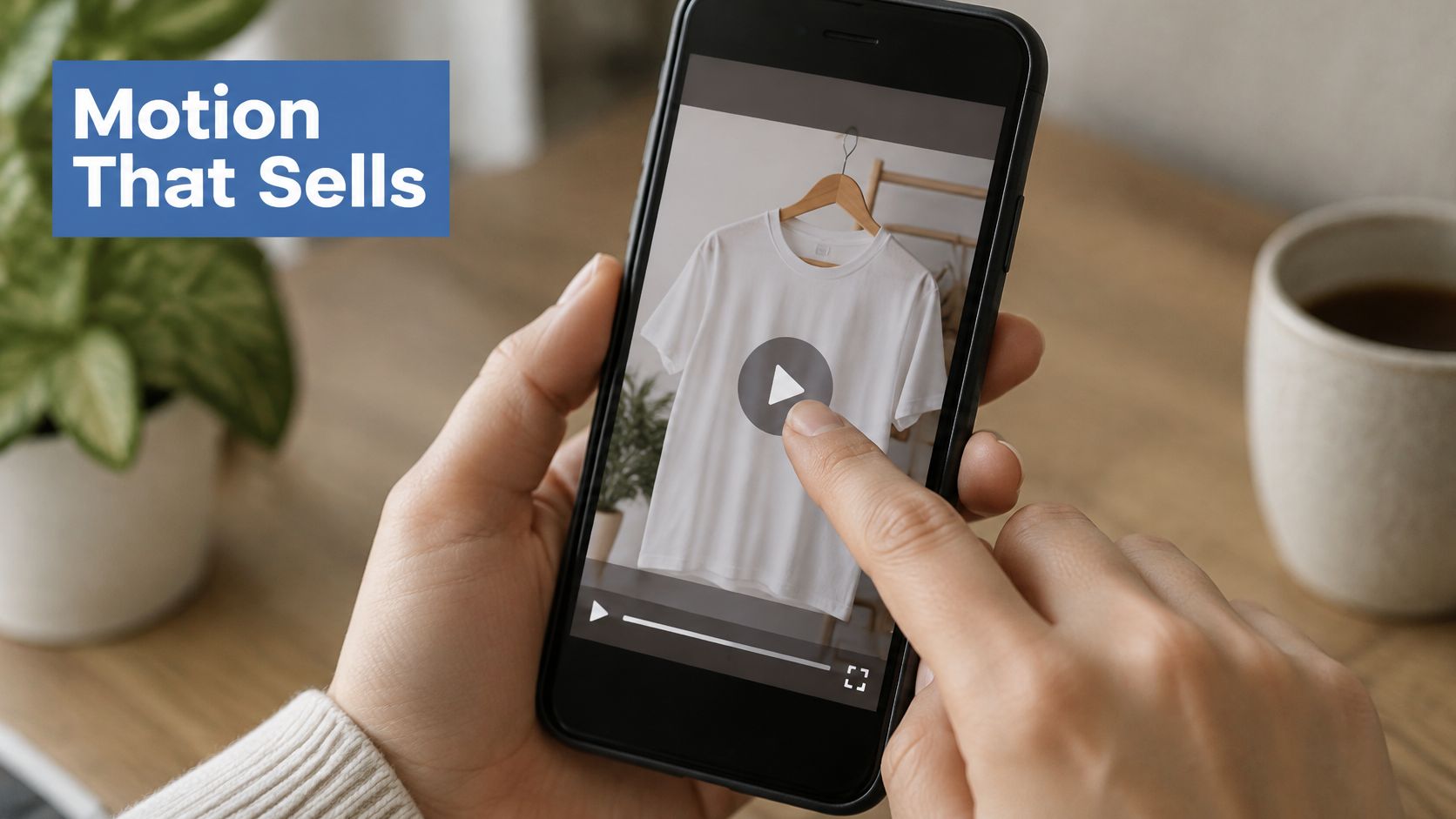
Use a video thumbnail with a play icon that links out: host the full clip on a landing page instead of embedding weight you can't control.
Test on mobile before every send: a GIF that loads instantly on your desktop may never load on a phone.
The old bottleneck was the mockup itself. We built AvatarIQ to generate apparel designs and product mockups without a photographer or a model, which turns a looping three-colorway GIF into an afternoon task instead of a photoshoot.
Send motion once or twice a month, not weekly. Novelty is the asset, and it stops working the moment it becomes the template.
9. Omnichannel Integration of Email and SMS
A shopper abandons checkout at 9pm. She gets an email an hour later. If she still hasn't bought by morning, a text reminding her the design comes in her size may be the thing that closes it.
Omnichannel means each channel does what it's good at. Email carries the story, the designs and the education. SMS carries the deadline, the restock and the last call.
Consent is where most stores get sloppy. The European Commission's guidance on individuals' data protection rights states that valid consent must be freely given, specific, informed and unambiguous, that a consent request should be distinguishable from terms and conditions, and that people have the right to object to direct marketing at any time. It also notes that direct-marketing emails must comply with the ePrivacy Directive on top of GDPR.
Which means one checkbox for email is not permission for texts.
Keep the two channels from cannibalizing each other
Collect SMS consent separately: its own checkbox, its own value statement, no pre-ticked boxes.
SMS for time-sensitive, email for depth: a flash sale, a restock, a shipping delay. Not a design story.
Suppress SMS to anyone who clicked a recent email: you already have their attention.
Cap the total: count email and SMS together against a weekly ceiling per subscriber.
10. Conversational, Plain-Text Style Emails
"Quick question about your last order" will out-open a designed template with a hero image more often than not.
Plain-text style emails look like a note from a person: minimal design, short paragraphs, a real name in the from field and a real reply-to address. Readers have gotten fast at spotting marketing, and a human voice is harder to dismiss than a banner.
The writing is where AI is already helping. Litmus's 2024 State of Email Trends report found that 34% of respondents used generative AI for copy at least occasionally, the most common AI-assisted use listed, ahead of video at 33% and CSS-based interactivity at 26%. Treat it as a tool for first drafts, not for your final voice.
A format that works every week
Send from a real person's name: not "The Team". A name gets replies, and replies tell inbox providers that people want your mail.
Share one number and one lesson: what sold, what flopped, what you changed. Specifics read as honest.
One next step: a single product link, or a question that invites a reply.
Write it in twenty minutes: if it takes two hours, it's a campaign dressed as a letter.
A plain email from a founder who names a real problem and a real product beats a designed template most weeks. The catch is that you have to actually say something worth reading.
How the 10 Email Marketing Trends Compare for eCommerce Brands
| Item | Setup Effort | Best For | Key Requirement |
|---|---|---|---|
| AI-Powered Personalization and Dynamic Content | High; needs setup and testing | Tailored product recommendations and customer retention | Clean, consistent customer data |
| Interactive Emails That Keep Readers Engaged | Moderate to high; requires compatible design and testing | Showcasing product options and engaging readers in the inbox | Static fallbacks for unsupported email clients |
| Zero-Party Data and Privacy-First List Building | Moderate; requires quizzes or preference tools | Building trust and interest-based segments | Clear consent and useful preference questions |
| Automated Behavior-Triggered Email Flows | Moderate; requires planning and testing | Timely welcome, cart, post-purchase, and win-back messages | Triggers, sequences, and regular reviews |
| Mobile-First and Dark Mode Design | Moderate; requires device and client testing | Readable emails across phones and display modes | Responsive layouts and dark-mode-safe assets |
| Sender Authentication and Deliverability Best Practices | High; requires technical configuration and monitoring | Improving inbox placement and protecting sender reputation | SPF, DKIM, DMARC, and easy unsubscribe |
| User-Generated Content and Social Proof in Email | Moderate; requires content collection and permissions | Building shopper trust with real customer experiences | Written permission to use customer content |
| Short-Form Video and Animated GIFs in Email | Moderate; requires lightweight media and fallbacks | Demonstrating products and capturing attention | Small files and static or linked-video fallbacks |
| Omnichannel Integration of Email and SMS | High; requires tool coordination and compliance | Coordinating timely messages across customer channels | Separate SMS consent and cross-channel coordination |
| Conversational, Plain-Text Style Emails | Low; simple to produce consistently | Building personal connection with a conversational voice | A consistent human voice and one clear call to action |
Pick One Trend This Week and Build Your Inbox Edge
Ten trends is too many to build on a Monday morning. Pick one, and let the choice follow where your store is right now.
Under a few hundred subscribers: build the welcome flow from trend four and add the preference question from trend three. Those two pieces compound for years.
Sending weekly with flat clicks: rewrite one send in plain text, from your own name, and test it against your usual template. Same list, same offer, different format.
Decent list, weak revenue: audit authentication and spam complaints before you write another word. A personalization layer on top of an unauthenticated domain is decoration.
The order matters more than the ambition. Authentication first, because it determines whether anything else arrives. Flows second, because they earn while you sleep. Personalization third, because it only pays once there's reliable delivery and a working trigger to attach it to.
None of this is glamorous work. Setting up DMARC takes an afternoon of DNS records. Segmenting by first purchase takes an hour with a spreadsheet and your order history. Writing a welcome sequence takes a Sunday. But each of those jobs runs for years, and the store that does them looks dramatically different from the store that keeps blasting the whole list every Friday.
The main takeaway from this list is this: email is the one channel where a small apparel brand can compete with a brand ten times its size, because reach isn't auctioned. A store with 2,000 engaged subscribers and four working flows will out-earn a store with 20,000 cold contacts and a weekly blast, every month, without spending a dollar more on traffic.
And the opportunity in print on demand right now is exciting. Design tools have collapsed the cost of building a catalog. The infrastructure handles printing and shipping. That leaves the customer relationship as the key differentiator, and email is where that relationship lives. Learn it now, while most stores are still copying the same template, and you'll be operating with an advantage that gets harder to close every quarter.
If you want a shortcut on the writing side, Skup's Email Marketing Profits bonus walks through collecting customer emails, writing attention-grabbing subject lines, and writing short emails that bring more sales. Pair it with one trend above and you'll have something live before the weekend.
Email is the channel that keeps paying after the ad budget stops, and every trend on this list is a way to make it pay more. Skup teaches the full system, from collecting customer emails to writing subject lines and short emails that convert, inside the Email Marketing Profits bonus that comes with our apparel training. Start with one flow, one segment, or one plain-text send this week, then head to Skup to see how the whole system fits together.