How to Set Up the Facebook Pixel for Print on Demand (2026 Guide)
You’ve launched your print on demand store. You’re ready to run Facebook ads. But everyone keeps talking about “the pixel” and you’re not sure what it is or why it matters. Without proper tracking, you’re essentially throwing money into the void.
Quick Answer
The Facebook Pixel is a small piece of code you add to your store that tracks visitor behavior—page views, add to carts, and purchases. For print on demand sellers, it’s essential because it tells Facebook which visitors actually bought something, allowing the algorithm to find more people like them. Without it, you’re paying for ads with zero feedback loop.

What the Facebook Pixel Actually Does
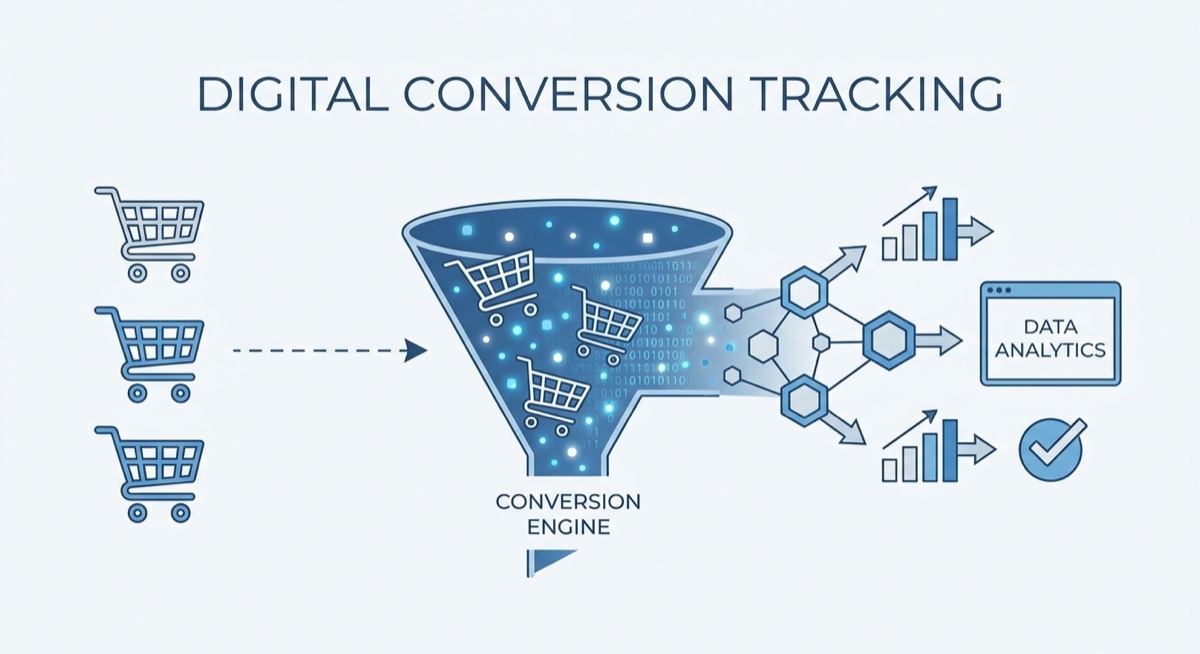
Think of the pixel as a silent reporter. Every time someone visits your store from a Facebook ad, the pixel records what they do. Did they just browse? Did they add something to cart? Did they actually buy?
This information feeds back to Facebook’s advertising algorithm. The more purchase data your pixel collects, the smarter Facebook gets at finding buyers for your products. This is why experienced POD sellers obsess over pixel setup—it’s the foundation of profitable advertising.
The pixel enables three critical functions:
- Conversion tracking: Know exactly which ads generate sales, not just clicks
- Retargeting: Show ads to people who visited but didn’t buy
- Lookalike audiences: Find new customers similar to your existing buyers
Step-by-Step Pixel Setup for Shopify Stores
If you’re using Shopify (which most POD sellers do), the process is straightforward:
- Go to Facebook Business Suite → Events Manager
- Click “Connect Data Sources” → “Web”
- Name your pixel (use your store name)
- Choose “Connect manually” or use the Shopify integration
- In Shopify: Settings → Apps and sales channels → Facebook → Set up
- Connect your Facebook account and enable data sharing
Set data sharing to “Maximum” for best results. Yes, there are privacy considerations, but limited data sharing severely hampers Facebook’s ability to optimize your ads.
Testing Your Pixel Installation
A pixel that isn’t firing properly is worse than no pixel at all—you’ll think you have data when you don’t. Here’s how to verify:
Use the Facebook Pixel Helper: This free Chrome extension shows you exactly what events are firing on any page. Install it, visit your store, and you should see “PageView” fire. Add something to cart and “AddToCart” should appear.
Check Events Manager: In Facebook Business Suite, go to Events Manager and look for recent activity. You should see test events within minutes of browsing your store.
Do a test purchase: Buy something from your own store (you can refund it). Confirm the “Purchase” event fires with the correct value.
Common Pixel Mistakes to Avoid
After working with thousands of students at Skup, we see the same pixel problems over and over:
- Multiple pixels firing: If you installed the pixel multiple times, events get counted twice and data becomes useless
- Wrong currency: Pixel reporting $0 purchases because currency settings don’t match
- Not waiting for data: Running conversion campaigns before your pixel has recorded any purchases (you need at least 50 purchase events)
- Ignoring iOS 14+ changes: Not setting up Aggregated Event Measurement in Events Manager

How Many Sales Before Optimization Kicks In?
Facebook’s algorithm needs data to learn. The general rule: aim for 50 conversion events per week for Facebook to optimize effectively. For new stores, this means starting with Traffic or Engagement campaigns to feed the pixel data before switching to Conversion campaigns.
Don’t have 50 weekly sales yet? You can optimize for “Add to Cart” events first, then switch to Purchase optimization once you’re consistently getting buyers. The pixel is learning either way.
FAQ
Do I need a Facebook Pixel for print on demand ads?
Yes. Without it, you have no way to track which ads generate sales. You’d be optimizing blind, wasting ad spend on audiences that browse but never buy.
Can I use one pixel for multiple stores?
Technically yes, but it’s not recommended. Each store should have its own pixel so the data stays clean and Facebook can optimize for each store’s specific audience.
My pixel shows events but Facebook says it’s not working—why?
This usually means Aggregated Event Measurement isn’t configured. Go to Events Manager → Data Sources → Your Pixel → Aggregated Event Measurement and verify/configure your domain.
The Bottom Line
The Facebook Pixel is non-negotiable for print on demand success. It’s the difference between guessing and knowing. Set it up correctly from day one, verify it’s working, and let it collect data before you start optimizing campaigns. Your future profitable ad campaigns depend on the tracking foundation you build today.
Need help mastering Facebook ads for POD? The Skup Incubator includes live coaching calls where we review student ad accounts and troubleshoot pixel issues in real-time.
]]>