Home » Blog » How to Create Facebook Retargeting Ads for Print on Demand
How to Create Facebook Retargeting Ads for Print on Demand
You’ve driven traffic to your store, people browsed your products, maybe even added something to cart—then vanished. This happens to every print-on-demand seller, and it’s one of the most frustrating parts of running Facebook ads.
But here’s the good news: those visitors haven’t forgotten you. They just need a nudge. Facebook retargeting ads let you reach people who already showed interest in your products and bring them back to complete their purchase.
Quick Answer
Facebook retargeting ads show your products to people who previously visited your store but didn’t buy. Set up a Facebook Pixel on your Shopify store, create Custom Audiences based on visitor behavior (page views, add-to-carts, purchases), then run ads specifically to those warm audiences. Most POD sellers see 2-3x higher conversion rates from retargeting compared to cold traffic ads.
Why Retargeting Matters for POD Sellers
Cold traffic ads are expensive. You’re asking people who’ve never heard of your brand to buy immediately. The average eCommerce conversion rate from cold traffic is 1-3%.
Retargeting flips this equation:
Higher intent — These people already browsed your products
Lower CPM — Facebook rewards relevance with cheaper impressions
Better ROAS — Most POD sellers see 3-5x return on retargeting vs 1-2x on cold
Smaller budgets work — You’re targeting hundreds or thousands, not millions
Matt Schmitt, co-founder of Skup and $50M+ eCommerce veteran, puts it simply: “If you’re spending money on cold traffic but not retargeting, you’re leaving the easiest money on the table.”
Step 1: Install Your Facebook Pixel
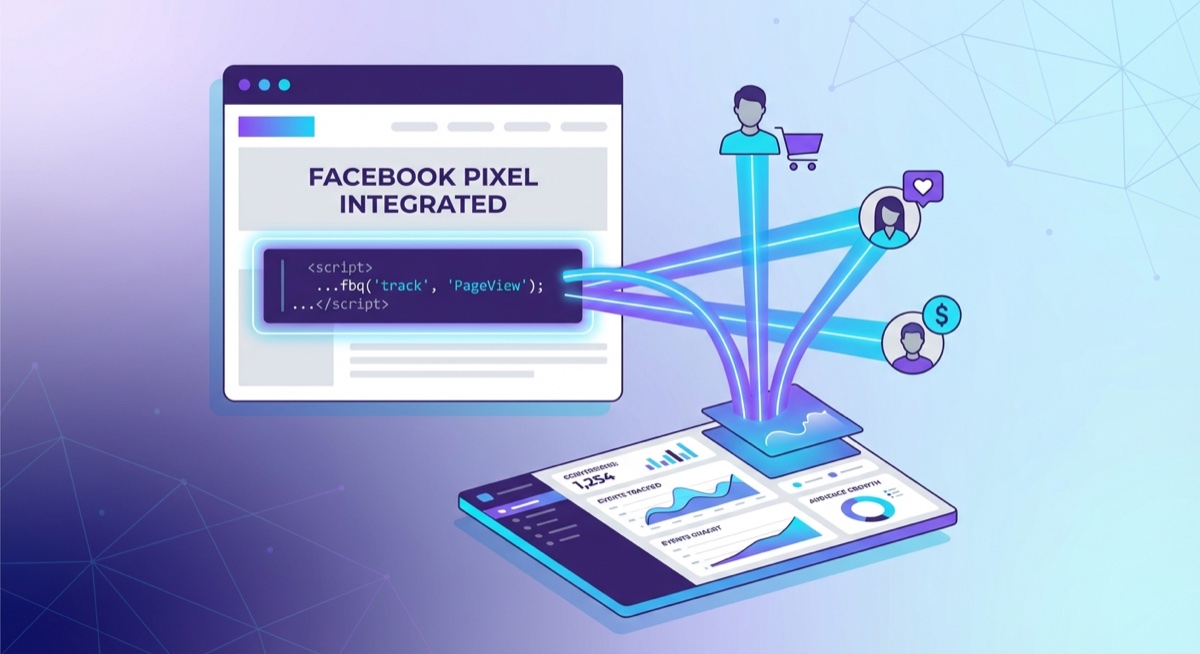
The Facebook Pixel tracks visitor behavior so you can build retargeting audiences
Before you can retarget anyone, Facebook needs to know who visited your store. The Facebook Pixel is a small piece of code that tracks visitor behavior.
For Shopify stores:
Go to your Facebook Ads Manager → Events Manager
Create a new Pixel or use your existing one
Copy your Pixel ID (a 15-16 digit number)
In Shopify: Settings → Customer Events → Connect → Facebook
Paste your Pixel ID and connect your account
Key events to track:
PageView — Someone visited any page
ViewContent — Someone viewed a product page
AddToCart — Someone added a product to cart
InitiateCheckout — Someone started checkout
Purchase — Someone completed a purchase
Verify your Pixel is working using the Facebook Pixel Helper Chrome extension. You should see events firing as you browse your own store.
Step 2: Create Your Custom Audiences
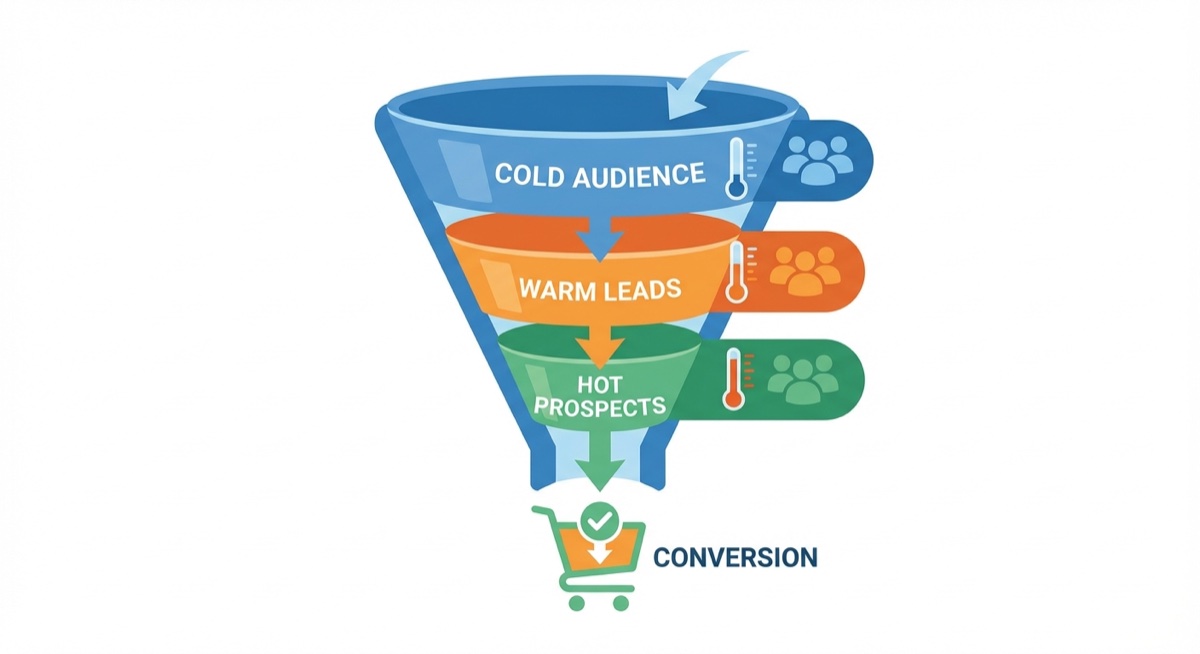
Segment your audiences by behavior—hotter audiences convert better
Custom Audiences are groups of people based on their actions. For POD retargeting, you’ll want to create several:
Essential retargeting audiences:
All Website Visitors (7 days) — People who visited your store in the last week
All Website Visitors (30 days) — Broader window for longer sales cycles
Product Page Viewers (14 days) — People who viewed specific products
Add-to-Cart (7 days) — People who added items but didn’t purchase
Purchasers (180 days) — Past customers (use for exclusions or upsells)
To create Custom Audiences in Ads Manager:
Go to Audiences → Create Audience → Custom Audience
Select “Website” as your source
Choose your event (All website visitors, ViewContent, AddToCart, etc.)
Set your retention window (7, 14, 30, 60, or 180 days)
Name it clearly (e.g., “ATC 7 Days – Excluding Purchasers”)
Pro tip: Always exclude purchasers from your retargeting audiences unless you’re specifically running upsell campaigns. Nobody wants to see ads for something they already bought.
Step 3: Structure Your Retargeting Campaign
Don’t run the same ad to everyone. Different behaviors require different messages:
Audience: Add-to-Cart Abandoners (Hottest)
Messaging: “Still thinking about it?” / “Your cart is waiting”
Offer: Consider a small discount (5-10% or free shipping)
Budget: 40-50% of your retargeting spend
Frequency cap: 2-3 times per day max
Audience: Product Page Viewers
Messaging: Benefits, social proof, customer reviews
Offer: No discount needed—just remind them why they wanted it
Budget: 30-40% of retargeting spend
Frequency cap: 1-2 times per day
Audience: All Website Visitors
Messaging: Brand story, bestsellers, new arrivals
Offer: Focus on building trust and brand awareness
Budget: 10-20% of retargeting spend
Frequency cap: Once per day
Step 4: Create Your Retargeting Ads
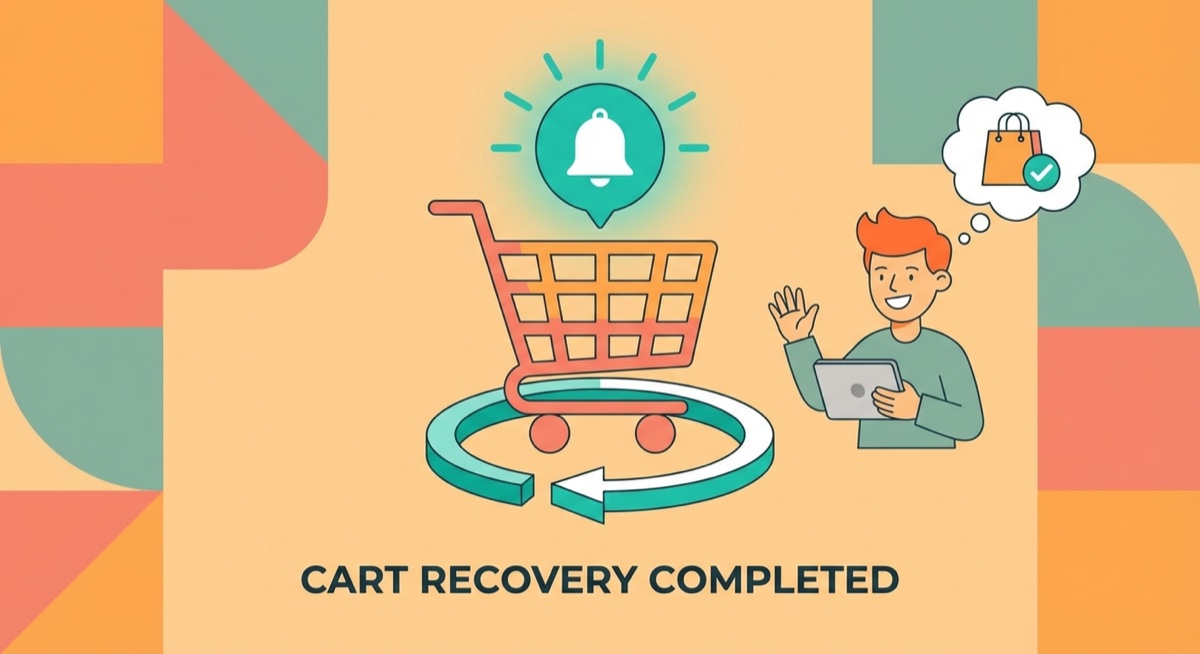
Retargeting brings back cart abandoners with the right message at the right time
Retargeting ads should feel different from cold traffic ads. These people already know you exist—now you need to give them a reason to come back.
What works for POD retargeting ads:
Dynamic Product Ads (DPA) — Show the exact products they viewed
Carousel ads — Display multiple products or variations
User-generated content — Reviews, photos from real customers
Urgency/scarcity — “Only 3 left” or limited-time offers
Social proof — “Join 10,000+ happy customers”
Copy formulas that convert:
“Forgot something? Your [product] is still available.”
“You have great taste. Here’s 10% off to seal the deal.”
“[X] other customers bought this in the last 24 hours”
“Free shipping ends tonight. Complete your order now.”
Budget and Timing for POD Retargeting
One of the biggest mistakes POD sellers make is spending too much (or too little) on retargeting.
Budget rule of thumb: Allocate 10-20% of your total Facebook ad budget to retargeting. If you’re spending $50/day total, that’s $5-10/day on retargeting.
Why not more? Your retargeting audiences are small. If you have 500 people who visited your store last week, spending $50/day on that audience means they’ll see your ad 10+ times daily—that’s annoying, not persuasive.
Timing matters:
Days 1-3: Highest conversion rates. People still remember your store.
Days 4-7: Good conversion, but declining. Increase urgency in messaging.
Days 8-30: Lower conversion but still profitable. Broader messaging works.
Days 30+: Usually not worth retargeting unless you have a specific promotion.
Common Retargeting Mistakes to Avoid
Not excluding purchasers — Wasting money showing ads to people who already bought
Over-relying on discounts — Train customers to wait for deals
Too high frequency — 3+ ads per day feels stalkerish
Same creative as cold traffic — These people need different messaging
Retargeting before you have traffic — Need at least 100+ weekly visitors to make it work
Ignoring audience overlap — Running multiple retargeting campaigns to the same people
FAQ
How much traffic do I need before running retargeting ads?
You need a minimum audience of 100 people for Facebook to deliver ads, but realistically, you want at least 500-1,000 weekly visitors to your store before retargeting becomes effective. If your audiences are too small, CPMs will be high and results inconsistent. Focus on driving cold traffic first, then layer in retargeting once you have consistent visitor flow.
Should I offer discounts in my retargeting ads?
It depends on the audience. For add-to-cart abandoners, a small discount (5-10%) can push them over the edge and is often worth it. For product page viewers, discounts aren’t necessary—focus on benefits and social proof instead. Never lead with discounts; save them for final-stage abandoners who need that extra push.
What’s the best retargeting window for print-on-demand?
For most POD stores, the 7-14 day window is most effective. T-shirts and simple products have shorter consideration cycles—people either want it or they don’t. For higher-priced items (like premium hoodies or custom artwork), extend to 30 days. Test different windows and let your data guide you.
The Bottom Line
Retargeting is where POD sellers turn browsers into buyers. If you’re running cold traffic ads without a retargeting strategy, you’re paying to send people to your store—then letting them walk away without a second chance.
Start simple: install your Pixel, create your core audiences (add-to-cart, product viewers, all visitors), and run one retargeting campaign with a 7-day window. As your traffic grows, layer in more sophisticated segments and test different offers.
Ready to master Facebook ads for your POD business? Skup’s coaching program includes live calls where coaches like Matt Schmitt break down real student ad accounts and show exactly what’s working in 2026.
The smartest beginners in print on demand don’t start with the most crowded product. They start where buyers already assign value fast. Caps do that. The category sits inside a market that’s projected to grow to $57.49 billion to $102.99 billion by 2033 to 2034, which means the broader print-on-demand market could multiply 5 to…
You’re at the point where your store is proving the model works. Orders are coming in. A few designs are carrying more than the rest. Your ads are finding buyers. But your fulfillment partner is starting to feel like the ceiling, not the engine. Turnaround slips. Print quality varies. Margin gets thinner every time a…
A lot of people start looking up how to sell print on demand at the same moment in life. Work feels fixed. Income feels capped. You want something you can build after hours that does not require buying piles of inventory, renting a warehouse, or guessing how many units to order. That is why POD…