Home » Blog » How to Run Your First Facebook Ad for Print on Demand
Quick Answer
To run your first Facebook ad for print on demand, you need four things: a Facebook Business account, a product page to send traffic to, $5-10/day budget, and one design to test. Start with a simple conversion campaign targeting interests related to your niche. Let it run for 3-5 days before making changes.
Why Facebook Ads Still Work for POD in 2026
Despite what you’ve heard about rising costs, Facebook remains the most accessible advertising platform for print on demand beginners. Why? Because you can start with just $5/day and test designs without inventory risk.
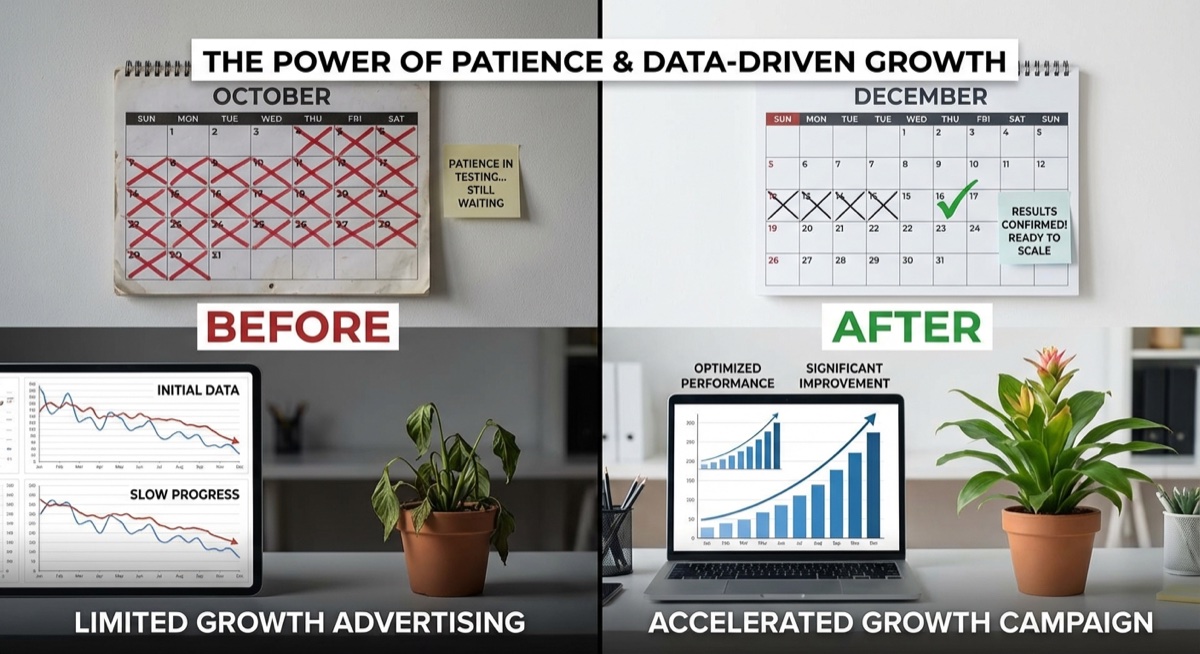
The key difference between successful POD sellers and those who struggle isn’t budget—it’s patience. Most beginners kill their ads after 24 hours because they haven’t made a sale yet. That’s like planting a seed and digging it up the next morning to see if it’s growing.
Setting up your first campaign in Facebook Ads Manager is simpler than you think.
Step 1: Set Up Your Facebook Business Account
Before you can run ads, you need a Facebook Business account and an ad account. Here’s the quick setup:
Go to business.facebook.com and create a Business Manager account
Add your personal Facebook profile as an admin
Create an ad account within Business Manager
Add a payment method (credit card or PayPal)
Install the Facebook Pixel on your store (your POD platform has instructions for this)
The Pixel is critical—it tracks who visits your store and who buys, so Facebook can find more people like your customers over time.
Step 2: Choose One Design to Test
Here’s where beginners make their first big mistake: they try to test 10 designs at once with a $50 budget. That’s spreading yourself too thin.
Pick one design you believe in and commit to testing it properly. If it doesn’t work after a real test, move to the next one. This focused approach beats scattered testing every time.
Step 3: Create Your First Campaign
In Ads Manager, click “Create” and select these settings:
Campaign objective: Sales (you want purchases, not just clicks)
Budget: $5-10/day at the ad set level
Audience: Start with 2-3 interests related to your niche
Age range: 25-65+ (don’t narrow too much initially)
Placements: Automatic (let Facebook optimize)
For your ad creative, use a clear product image on a model or mockup. Write copy that speaks to your customer’s identity, not just the product features.
Step 4: Wait (The Hardest Part)
Once your ad is live, here’s the rule: don’t touch it for 3-5 days. Facebook’s algorithm needs time to learn who responds to your ad. Changing things too early resets that learning.
Patience isn’t optional—it’s the difference between real data and random noise.
What should you look for during this period?
Link clicks: Are people interested enough to visit your store?
Cost per click: Under $1 is good for POD
Add to carts: Are visitors considering buying?
No sales after 5 days and $25-50 spent? That’s useful data. It tells you either the design, the audience, or the landing page needs work.
Real Students, Real First Sales
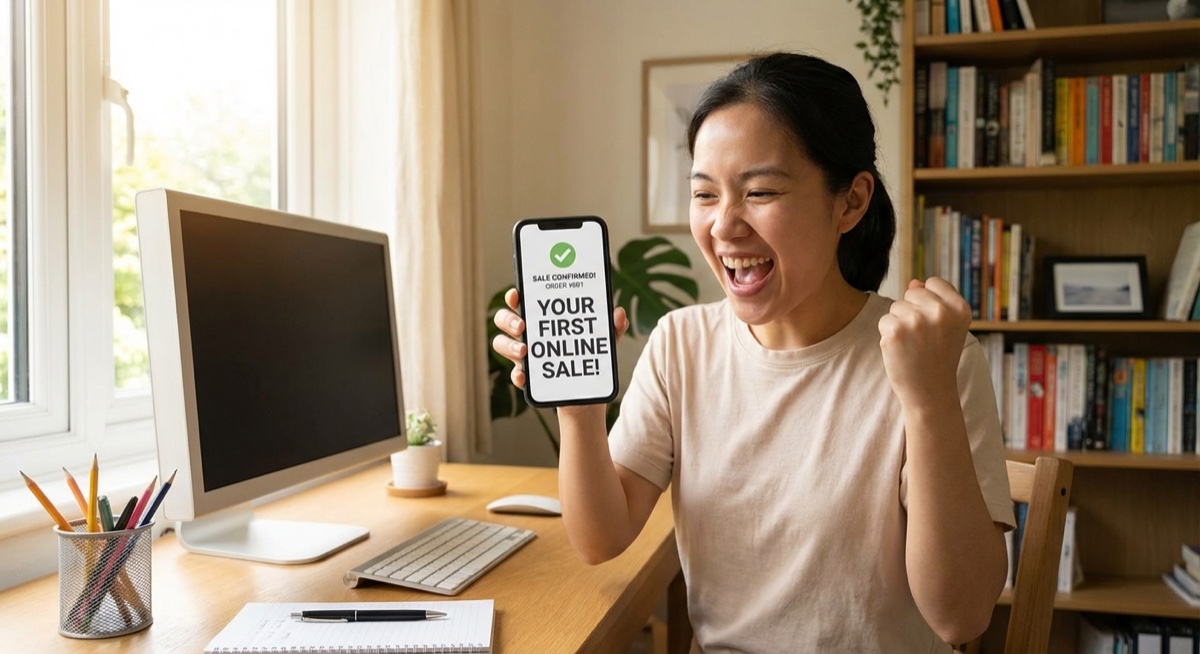
The moment that first notification hits different. Judy Padgett made her first sale after testing just 4 ad campaigns. Olya Volochay launched her first two ads ever—and made her first two sales. Dylan Buffington, Mike Hines, Kristen, Caron Prins—they all remember that exact moment.
That first sale notification changes everything—it proves the system works.
Your first sale probably won’t make you rich. But it proves the system works. Once you have proof, scaling becomes a matter of process, not hope.
Common First-Ad Mistakes to Avoid
Budget too low: $2/day doesn’t give Facebook enough data to optimize
Killing ads too early: 24 hours isn’t a test—it’s impatience
Targeting too narrow: Let Facebook find your buyers initially
Ignoring the Pixel: Without it, you’re flying blind
Weak product page: Great ads can’t save a bad landing page
What Happens After Your First Sale
Once you prove a design can sell, you’re not guessing anymore. You can:
Slowly increase budget ($5-10 increments)
Test new audiences with the winning ad
Create variations of the winning design
Build lookalike audiences from your buyers
This is how POD businesses scale—not by hoping, but by doubling down on what the data proves works.
FAQ
How much should I spend on my first Facebook ad?
Start with $5-10/day. This gives Facebook enough data to optimize while keeping your risk low. Plan to spend $25-50 before making any judgments about whether a design works.
How long until I see results from Facebook ads?
Give each ad 3-5 days and at least $25-50 in spend before evaluating. Facebook’s algorithm needs this time to learn who responds to your ad. Some students see sales on day one; others need to test multiple designs first.
Can I run Facebook ads with a small budget?
Yes—that’s exactly how most successful POD sellers started. $5/day is enough to test designs. The key is patience and proper testing methodology, not throwing money at ads.
The Bottom Line
Your first Facebook ad won’t be perfect—and that’s fine. The goal isn’t perfection; it’s learning. Every ad teaches you something about your audience, your designs, and the platform.
Set up your account, pick one design, create a simple campaign, and let it run. The data will tell you what to do next. That first sale is closer than you think.
The smartest beginners in print on demand don’t start with the most crowded product. They start where buyers already assign value fast. Caps do that. The category sits inside a market that’s projected to grow to $57.49 billion to $102.99 billion by 2033 to 2034, which means the broader print-on-demand market could multiply 5 to…
You’re at the point where your store is proving the model works. Orders are coming in. A few designs are carrying more than the rest. Your ads are finding buyers. But your fulfillment partner is starting to feel like the ceiling, not the engine. Turnaround slips. Print quality varies. Margin gets thinner every time a…
A lot of people start looking up how to sell print on demand at the same moment in life. Work feels fixed. Income feels capped. You want something you can build after hours that does not require buying piles of inventory, renting a warehouse, or guessing how many units to order. That is why POD…