How to Scale Facebook Ads for Print on Demand
You found a winning Facebook ad for your print on demand store. Sales are coming in, ROAS looks good, and now you’re staring at your Ads Manager wondering: do I increase the budget? How much? Will it break everything?
Quick Answer
Scale Facebook ads for print on demand by increasing your budget incrementally—5 to 10 dollars at a time, every other day—while monitoring your ROAS. Only scale campaigns with a consistent return above your breakeven point (typically 2.0+ ROAS). Rushing the scale or making sudden large budget jumps often triggers the algorithm to reset, killing your momentum.
When to Start Scaling
Not every winning ad deserves more budget. Before you touch that slider, check these boxes:
- Consistent ROAS above breakeven: If your breakeven is 2.0, you need to see 2.0+ for at least 2-3 days, not just one lucky afternoon
- Multiple purchases: One sale doesn’t make a winner. Wait for 3-5 purchases minimum
- Stable cost per purchase: Wild swings in CPA signal the algorithm is still learning
- Add to carts and checkouts: Sales backed by consistent funnel activity indicate real demand, not flukes
As one Skup coach puts it: “Your main goal is purchases. You’ve gotten clicks, so you know you have curiosity-driven clickers. Now you need to find a way to get people to add to cart.” Only when that full funnel is working should you scale.
The Incremental Scaling Method
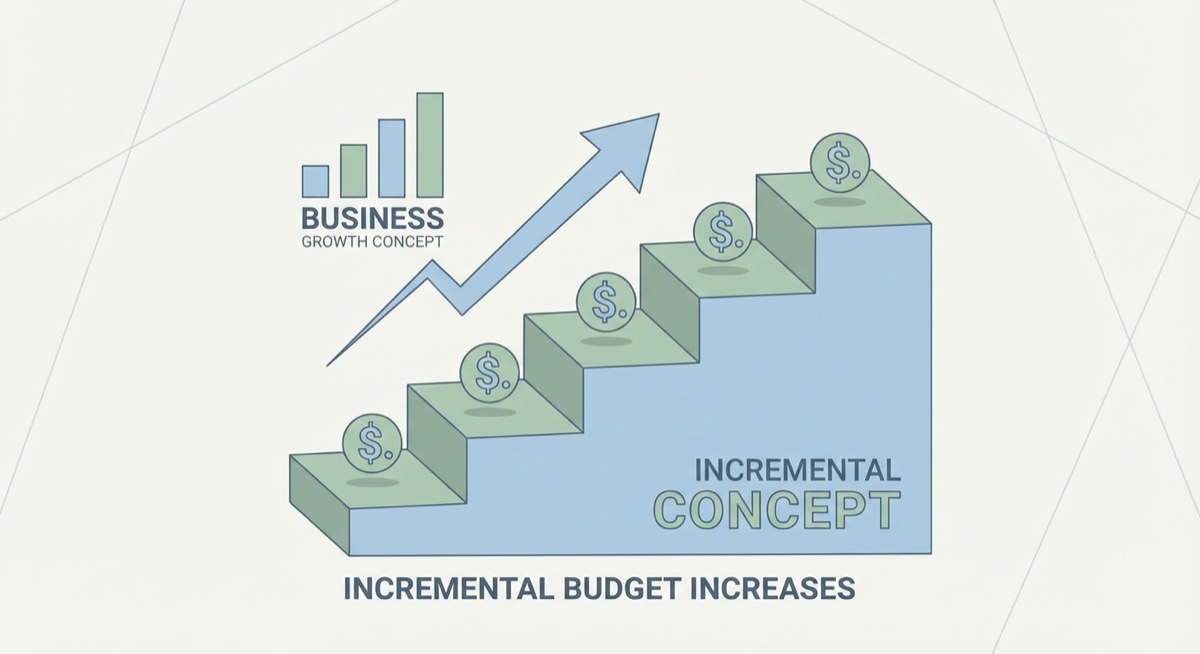
The biggest mistake print on demand sellers make is jumping their budget from $20 to $100 overnight. Facebook’s algorithm panics, your delivery tanks, and suddenly your 3.0 ROAS winner is burning cash.
Here’s what works:
- Increase by $5-10: Small bumps let the algorithm adjust without resetting
- Wait 24-48 hours: Give Facebook time to recalibrate delivery
- Check your metrics: Is ROAS holding? Cost per purchase stable?
- Repeat: If metrics hold, bump again. If they dip, pause and assess
This patience pays off. One Skup student went from $25/day to over $95/day using this exact method, maintaining a 2.8+ ROAS the entire climb.
The Duplication Strategy for Stalled Winners
Sometimes a winning campaign just… stops. You had 3 great days, then nothing. The design hasn’t changed. The audience hasn’t changed. But sales dried up.
This is normal. Here’s the fix:
“Sometimes when you think a campaign is over, it’s really not. It just needs a reset. Turn off the underperformer, duplicate the entire campaign as-is, and let it run fresh.”
Why this works: Your campaign may have gotten stuck in a pocket of non-buyers. The algorithm locked onto people who browse but don’t purchase. A clean duplicate resets targeting and often restarts momentum immediately.
Some sellers have v3, v4, even v5 versions of the same winning campaign running at different times—each one a reset that brought the design back to life.
The Four Buckets for Scale
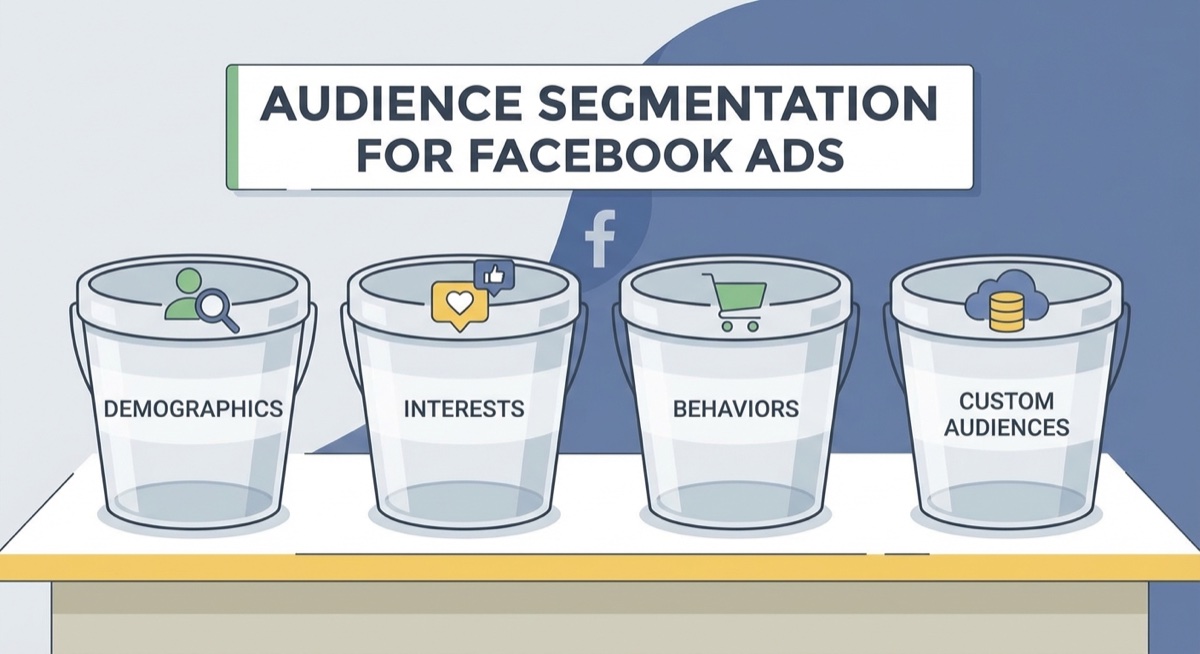
Budget increases aren’t your only scaling lever. Think of your targeting in four buckets:
- Open/Broad: Let Facebook find buyers (what most beginners start with)
- Interest-based: Target specific hobbies, behaviors, or demographics
- Lookalike audiences: People similar to your existing buyers
- Retargeting: People who visited your store, added to cart, or engaged with your content
A winner in one bucket can be tested in all four. Your open-targeting champion might perform even better with interest targeting. Your lookalike audience might unlock an entirely new customer segment.
The math is simple: tens of millions of people fit your target criteria. Even a “scaled” campaign at $100/day has barely scratched the surface.
Know Your Numbers
You can’t scale what you can’t measure. Before increasing any budget, know these metrics cold:
- Breakeven ROAS: The minimum return needed to cover product cost, shipping, and ad spend
- Target cost per purchase: What you can afford to pay for each sale
- Ideal cost per click: Aim for under $1.50; up to $2.00 is acceptable if generating add-to-carts
If your shirts sell for $30 with a $10 margin after fulfillment, and you’re spending $15 per purchase, you’re losing money at scale. Fix your unit economics before scaling your problems.
Common Scaling Mistakes
Even experienced sellers fall into these traps:
- Scaling too fast: Jumping from $25 to $100 overnight almost always crashes performance
- Scaling losers: A 1.2 ROAS won’t become profitable with more budget—it’ll just lose money faster
- Ignoring the funnel: High clicks but no add-to-carts means a design or pricing problem, not a budget problem
- Chasing CPM: Video ads often have higher CPMs but lower conversions for POD. Don’t optimize for the wrong metric
- Not duplicating stalled campaigns: Letting a winner die instead of resetting it
FAQ
How much should I increase my Facebook ad budget when scaling?
Increase by 10-20% of your current budget, or $5-10 in absolute terms, whichever feels more conservative. Wait 24-48 hours between increases to let the algorithm adjust. Sudden large jumps often trigger delivery issues and tank performance.
What ROAS do I need before scaling print on demand ads?
Most POD sellers need at least a 2.0 ROAS to break even, though your exact number depends on your margins. Aim for 2.0+ consistently over several days before scaling. A single good day isn’t enough data.
Why did my Facebook ad stop performing after I increased the budget?
Large budget jumps reset the learning phase, forcing Facebook to re-learn who to show your ad to. This often results in worse delivery and higher costs. Try the duplication method instead: turn off the underperformer, duplicate the campaign, and start fresh with the same budget that was working.
The Bottom Line
Scaling Facebook ads for print on demand isn’t about throwing money at winners—it’s about methodically expanding what works while protecting your margins. Start with incremental budget increases, use the duplication strategy when campaigns stall, and test your winners across all four targeting buckets.
The sellers who scale successfully aren’t the ones with the biggest budgets. They’re the ones who know their numbers, respect the algorithm’s learning process, and have the patience to grow $5 at a time until they’re running $500/day profitably.
Ready to find your first winner to scale? The Skup Incubator teaches the complete system for testing, validating, and scaling print on demand ads.