The Complete Guide to Facebook Ads for Print on Demand: Everything You Need to Know
The Complete Guide to Facebook Ads for Print on Demand: Everything You Need to Know
If you’re running a print-on-demand business, Facebook ads will likely be your primary source of traffic and sales. But here’s the problem: most POD sellers waste hundreds of dollars on ads that never convert because they don’t understand how the platform actually works.
This guide compiles everything we’ve learned from hundreds of coaching calls with POD sellers—the strategies that work, the mistakes that drain budgets, and the exact thresholds you should use to make decisions. Whether you’re launching your first ad or scaling to $500/day, this is the definitive resource.
Table of Contents
- Quick Overview
- Setting Up Your Campaign Correctly
- Understanding the Learning Phase
- The Key Metrics That Actually Matter
- When to Kill an Ad (The $20 Rule)
- When to Let an Ad Run
- 7 Mistakes That Kill Your Campaigns
- Flexible Ads vs Single Image: Which to Use
- How to Scale Without Breaking Your Ads
- Real Examples from Skup Students
- Frequently Asked Questions
Quick Overview
The short version: Facebook needs 24-72 hours and roughly 50 optimization events to learn who should see your ads. For most POD sellers spending $10-25/day, expect to spend $20-30 before making any decisions. If you get clicks but no add-to-carts by $20, kill the ad. If you get add-to-carts but no purchases by your product price (around $30-50), kill it. If you get consistent add-to-carts and some purchases, scale by 10-25% every 72 hours.
Setting Up Your Campaign Correctly
Before we talk strategy, you need to make sure your campaign is set up correctly. We see this mistake constantly—sellers have their campaigns optimizing for the wrong thing.
Optimize for Purchases, Not Add-to-Carts
When creating your campaign, under the conversion event dropdown, select Purchase—not Add to Cart. This seems obvious, but we’ve reviewed dozens of accounts where sellers were optimizing for add-to-carts and wondering why nobody was buying.
“I had the ad set to optimize for add to carts instead of purchases,” one student realized during a coaching call. “That’s an easy fix—but it means starting a new campaign because you can’t change optimization events mid-flight.”
If your conversion event is set to Add to Cart, Facebook will find people who add to cart—not people who buy. These are different audiences.
Turn Off All Enhancements
Meta loves to turn on “enhancements” that spend your money on things you didn’t ask for. In your ad setup, look for:
- Advantage+ Creative — Turn it off
- Advantage+ Placements — Consider manual placements (Feed and Marketplace only)
- Text Summaries — Turn them off
- Site Links — Turn them off
- Any boxes checked under “Creative Enhancements” — Uncheck all of them
As one coach explained: “This is how Meta gets you. Even if they only spend $5 or $10 of your money on these extra things, that’s budget that didn’t go toward your actual ad.”
Audience Settings
For most POD niches, start broad:
- Age: 18+ or 35+ depending on your niche (pet niches often skew 35+)
- Gender: All (let Facebook figure it out—you might be surprised)
- Interests: Optional. Broad targeting often works better than narrow interests
One thing that surprises sellers: “You don’t have to necessarily set up something just for men or for women. A lot of stuff is unisex. Women buy men’s stuff. If you just set it to all, your ad cost goes down by default.”
Understanding the Learning Phase
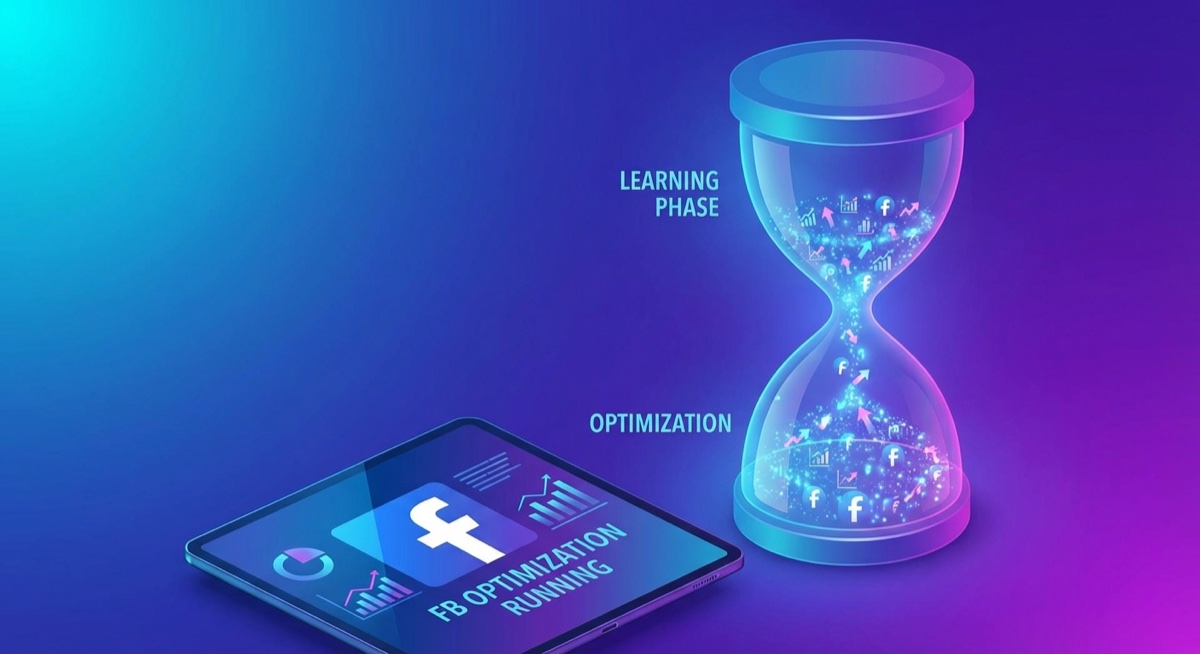
When you launch a new ad, Facebook enters what it calls the “learning phase.” During this time, the algorithm is testing your ad against different audiences to find who’s most likely to take your desired action.
What Happens During Learning Phase
- Costs are higher and more volatile
- Performance swings day-to-day are normal
- Facebook is gathering data, not optimizing yet
- Your CPC and CPM will fluctuate wildly
When Learning Phase Ends
- Your ad set gets approximately 50 optimization events (purchases for most of us)
- OR about 7 days pass without significant changes
“I see people kill ads after 4 hours because the CPC looks high,” says Matt Schmitt, co-founder of Skup. “That’s not enough data. Facebook is still figuring out who to show your ad to. Give it at least through the next day before you even start worrying.”
The Real Timeline for POD Sellers
Here’s what to expect based on typical POD ad budgets of $15-25/day:
Day 1: Don’t judge anything. Costs will be all over the place. This is normal.
Days 2-3: Look for early signals—are you getting clicks? Any add-to-carts? If you’ve spent $15-20 with zero engagement, that’s a red flag.
Days 4-7: This is when real patterns emerge. If you’re getting consistent add-to-carts but no purchases, it might be a pricing or product page issue. If you’re getting purchases, start calculating your actual ROAS.
After Day 7: You should have enough data to make informed decisions. Winners become clear, losers are obvious.
The Key Metrics That Actually Matter
Your Facebook Ads Manager shows dozens of metrics. Here are the ones that actually matter for POD sellers, in order of importance:
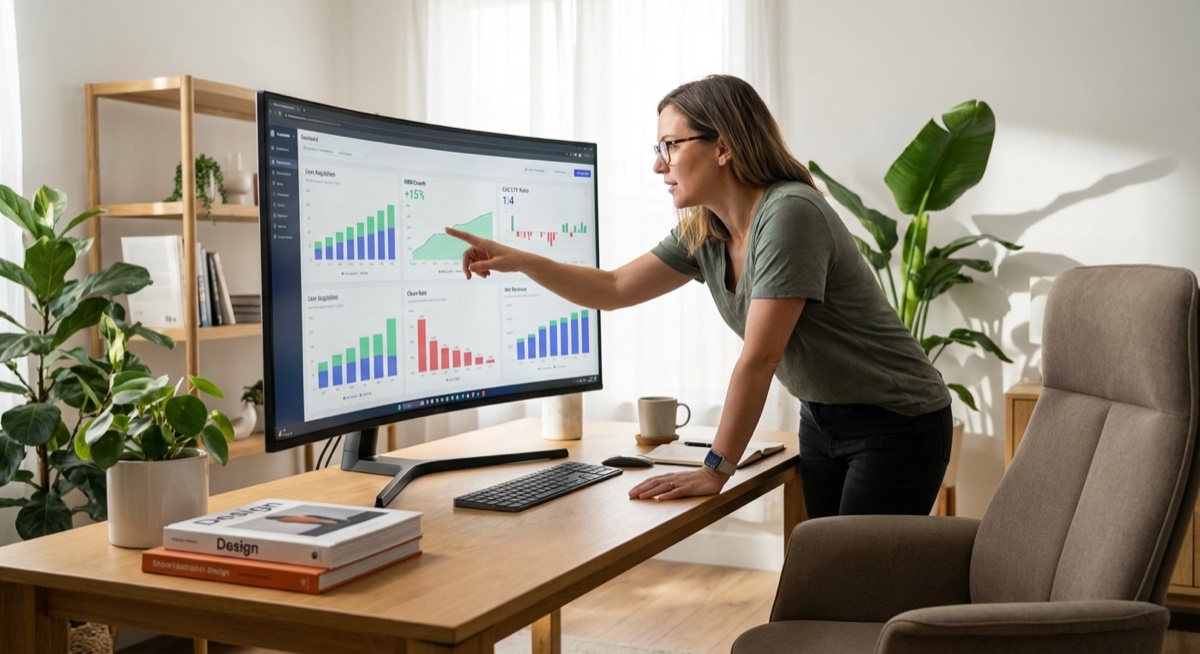
1. Cost Per Purchase (CPA)
This is your most important number. If your product sells for $30 and your cost per purchase is $35, you’re losing money on every sale. Simple math.
Target: Your CPA should be less than your profit margin. If you make $15 profit per shirt, your CPA needs to be under $15 to be profitable.
2. ROAS (Return on Ad Spend)
ROAS tells you how many dollars you make for every dollar spent on ads.
- ROAS of 1.0: Break even (you spent $100, made $100 in sales)
- ROAS of 2.0: Healthy (you spent $100, made $200 in sales)
- ROAS of 3.0+: Excellent (you spent $100, made $300+ in sales)
For most POD businesses, you want at least a 2.0 ROAS to be solidly profitable after product costs.
3. Cost Per Click (CPC)
How much you pay each time someone clicks your ad.
- Under $1.00: Excellent
- $1.00-$2.00: Good, acceptable for most niches
- $2.00-$3.00: Concerning, might need creative refresh
- Over $3.00: Problem—creative or targeting issue
“The click cost is a dollar 11, which is good,” explained one coach reviewing a student’s campaign. “A dollar 20, a dollar 50, 2 bucks—that’s not bad. What we’re really trying to make sure is that our click cost is low enough to where it makes sense for it to keep running.”
4. Click-Through Rate (CTR)
The percentage of people who see your ad and click on it.
- Under 0.5%: Creative problem—your ad isn’t grabbing attention
- 0.5%-1.0%: Average, room for improvement
- 1.0%-2.0%: Good
- Over 2.0%: Excellent—your creative is working
High CTR but no sales? “That means people liked your design enough to click. They went to the page and were like, I don’t like the price, or something else—and they leave.”
5. Add-to-Cart Rate
How many people are adding products to their cart. This is your early indicator of purchase intent.
“If it only gets 1 add to cart and you’ve spent $30 or $40 bucks, you already know most likely it’s not gonna do anything. But if it’s had 1 add to cart by $20, that just means keep going.”
When to Kill an Ad (The $20 Rule)
This is where most sellers either waste money (letting losers run too long) or miss winners (killing too early). Here’s the framework:
The $20 Rule
If you’ve spent $20 and have zero add-to-carts, kill the ad.
This is the most reliable threshold we’ve found across hundreds of students. Twenty dollars is enough spend to know whether your creative is resonating at all.
“My rule of thumb is you already have clicks. If this doesn’t get add to carts by $20, turn it off,” one coach advises. “If you get to about $20-25 and there’s no add to cart, you shut it off.”
Other Kill Signals
- Zero clicks after $5-10: The ad isn’t grabbing attention at all
- CPC consistently over $3: Targeting or creative issue
- CTR under 0.5%: Creative problem, more time won’t fix it
- Multiple add-to-carts but no purchases after spending 2x your product price: Product page or pricing issue
The Product Price Rule
A useful secondary threshold: if you’ve spent roughly twice your product price with add-to-carts but no purchases, something’s wrong.
“If you have a hoodie at $50 and you’ve spent $50-60 with 8 add-to-carts and zero purchases, that’s concerning. People are expressing interest but not converting. Could be pricing. Could be the product page. Could be checkout friction.”
When to Let an Ad Run
Not every slow start means failure. Here’s when to be patient:
Keep Running If:
- You have add-to-carts within $20: There’s expressed interest. Give it more time.
- CPC is under $2 and CTR is above 1%: The creative is working. Conversions may come.
- You got a purchase within your target CPA: Even one purchase at a good cost is a positive signal.
- It’s the weekend: “If you had a good day Friday and a bad day Saturday, don’t turn it off Saturday night. Give it through Monday. Weekends can be weird for some niches.”
The 2-Day Minimum
“My rule of thumb is let it run for 2 days. By 2 days, there’s other indicators, but let’s say they are getting the clicks and there’s add to carts but you wanna see some sales data. If you get that sales data within the first or second day, you’re gonna have another campaign that’s a possible winner.”
7 Mistakes That Kill Your Campaigns
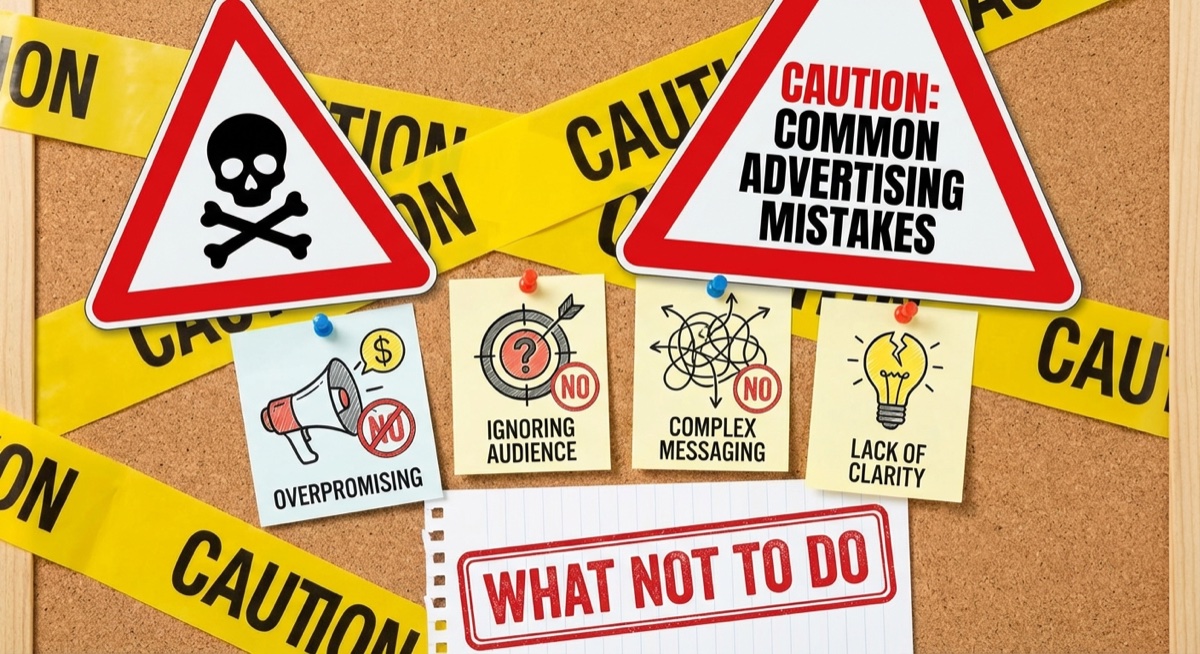
1. Making Changes During Learning Phase
Every time you edit budget, targeting, or creative, the learning phase restarts. “The minute you change anything—copy, headline, the file—everything resets. So unless you plan on turning it off and doing something completely different in a different campaign, don’t touch ads that are already active.”
2. Changing Budget at Night
“Do not touch your ads at night when it’s budget related. If you want to make adjustments to the spend on your account, do so the following day or wait till midnight.”
What happens if you increase budget at 11pm? “In that last 15 minutes, they blew through the $45. Meta will spend that money as fast as possible. Not only did they spend the money, it broke the campaign.”
3. Budget Too Low
At $5/day, Facebook can’t gather enough data. “Minimum $10-15/day for meaningful optimization.” For testing multiple products, $25-50/day per campaign gives you faster data.
4. Checking Too Often
“Looking at your ads every hour creates anxiety and leads to premature decisions. Check once in the morning, once at night.”
Exception: If you’re spending $100+/day, check more frequently. “At 125, I would have been checking my ads 3, 4 times a day.”
5. Optimizing for the Wrong Event
If you’re optimizing for link clicks instead of purchases, Facebook finds clickers—not buyers. Always optimize for Purchase.
6. Too Many Ad Variations with Low Budget
“Running 10 ads with $10/day means each ad gets $1. Not enough data for any to optimize.”
Better approach: 5 ads with $25/day = $5 each, or fewer ads with more budget.
7. Killing Winners After a Bad Day
“I usually break even in January,” Matt shares. Single bad days happen to everyone. Look at 3-7 day trends, not 24-hour snapshots.
Flexible Ads vs Single Image: Which to Use
This is a common question, and the answer depends on what stage you’re at.
Flexible Ads (Multiple Images in One Ad)
Pros:
- Tests multiple images/copy variations at once
- Facebook automatically shows best performers
- Good for initial testing of an idea
Cons:
- You can’t spin off winners—can’t say “only run the green shirt”
- Hard to know which specific image is working
- Not ideal for scaling
“When you do flexible, what you’re doing is you’re just testing an idea. Like, this person is standing in the woods with a white shirt, and maybe you’re just testing color. But when you’re trying to find 1 ad to spin off and scale, you can’t do that with flexible.”
Single Image Ads
Pros:
- Clear data on exactly which image performs
- Can turn off losers and scale winners
- Better for scaling proven concepts
Cons:
- Need more budget to test multiple variations
- More setup time
The recommended approach: Use flexible ads to test concepts quickly. Once you find something that gets purchases, create single image ads with variations of that winner so you can scale the specific image that works.
How to Scale Without Breaking Your Ads
Found a winner? Here’s how to scale without destroying what’s working.
The 72-Hour Rule
“Every time you make a change to your budget, you gotta give it time to consolidate. I wait every 72 hours. If you want to speed that up, every time you make a change, you gotta hope that in that same 24 hour period, your ad performs. Because if you make too many changes, at some point, it could break.”
The 10-25% Rule
When increasing budget, go up 10-25% at a time, not more.
“If you’re at $75 a day, you could bump it $10. If you wanna do 25 percent, you do that. But bump the budget, wait another couple days. It looks good? Increase it again. Increase it again.”
When to Scale
“After that third day, you’ve already noticed that you’re in a positive momentum cycle, you have above a 2 ROAS, you’re getting consistent sales—that is where you can consider bumping the budget.”
Scaling via Duplication
Alternative to budget increases: duplicate the winning campaign entirely.
“All you have to do is duplicate this campaign. Launch it. That’s it. Hypothetically, doing this will at least give you a chance to see if the other ads work. And then if they do, you’ll have 2 campaigns that are working.”
Real Examples from Skup Students
These are real results from Skup students running Facebook ads for print-on-demand:
Sean: $8,000 in Month One
Sean started the program and hit $8,000 in sales within his first 69 days. His approach: test multiple designs, kill losers fast at the $20 threshold, and scale winners aggressively once proven.
Adam Schneider: $500K in Sales
Adam scaled to over 1,000 orders and $500K in revenue by following the core principles: test designs systematically, scale winners with the 72-hour rule, and let Facebook optimize without constant interference.
The Student Who Broke Their Campaign
“I changed it from the single image to the flex, and I increased the daily spend at night. Everything just went downhill.”
Lesson: Don’t make multiple changes at once, and never adjust budget at night. This student had to duplicate their campaign and start fresh.
Frequently Asked Questions
Why does my CPC start high and then drop?
Facebook initially shows your ad to a broad test audience. As it learns who engages, it narrows targeting to more relevant users, which typically lowers your CPC. This is normal optimization behavior—give it time.
Should I use CBO or ABO?
For testing new designs, ABO (ad set budget optimization) gives you more control—each ad set gets its own budget. Once you have proven winners, CBO (campaign budget optimization) helps Facebook allocate budget to your best performers automatically.
My ad was doing well then suddenly got worse. What happened?
Several possibilities: audience fatigue (same people seeing it too often), increased competition, or Facebook expanding to less qualified audiences. Try duplicating the ad to reset learning, or refresh your creative.
How many designs should I test at once?
“I like to do at least 5 designs in a given ad set. Same shirt with 5 different colors, or 5 different sayings on the same color shirt. Run them all in the same ad set and let Facebook figure it out.”
Should I target specific interests?
Often, broad targeting works better. “If you just set it to all, your ad cost goes down by default.” Start broad and let Facebook’s algorithm find your buyers. You can always narrow later based on data.
How do I know if it’s an ad problem or a product page problem?
If you’re getting lots of clicks but no add-to-carts: ad is working, product page has issues. If you’re getting add-to-carts but no purchases: product page is working, but pricing or checkout has issues. If you’re getting no clicks: the ad creative isn’t grabbing attention.
When should I refresh my creative?
Watch for rising CPCs and falling CTR—signs of ad fatigue. “Try something different. Different avatars, different scenery. If you’re gonna run different colors, you gotta do single image ad and do 5 at 100 bucks instead of flexible.”
What’s a good daily budget to start with?
$15-25/day per campaign for testing. This gives you enough data within 2-3 days to make decisions without breaking the bank. Scale up once you find winners.
The Bottom Line
Facebook ads for print-on-demand aren’t magic, but they do require patience and discipline. The sellers who succeed follow a system:
- Set up campaigns correctly (optimize for purchases, turn off enhancements)
- Test designs systematically (5 at a time, $15-25/day)
- Kill losers fast ($20 rule, no add-to-carts = done)
- Let potential winners run (2-day minimum, don’t touch at night)
- Scale methodically (10-25% every 72 hours)
The biggest mistake is impatience—either killing too early or spending too much on losers. Use the thresholds in this guide, trust the process, and your results will come.
Ready to start running ads for your print-on-demand business? Skup’s coaching program includes weekly live calls where you can get direct feedback on your campaigns from coaches who manage thousands in ad spend daily.