Home » Blog » From Zero to First Sale: The Complete Print-on-Demand Blueprint for 2026
From Zero to First Sale: The Complete Print-on-Demand Blueprint for 2026
You’ve watched the YouTube videos. You’ve bought the courses. You’ve set up your store. And now you’re staring at an empty dashboard wondering when—if—someone will ever actually buy from you.
Here’s the truth most gurus won’t tell you: Getting your first sale in print-on-demand isn’t about luck. It’s about following a specific sequence of steps that have been proven across thousands of successful stores. And we’ve documented every single one of them from over 100 coaching calls with real beginners who went from zero to consistent sales.
This is the definitive guide to making your first print-on-demand sale. Not theory. Not motivation. Just the exact playbook that’s working right now in 2026.
Getting your first print-on-demand sale requires three things working together: a design people actually want, a store that converts visitors into buyers, and ads that reach the right audience at the right price. Most beginners fail because they skip the foundation—mindset and niche research—and jump straight to running ads. The average successful student takes 2-4 weeks of consistent effort to land their first sale, testing 5-10 designs before finding a winner.
Why Mindset Comes Before Tactics
“If you are not familiar with the concept that you will be the business—you ARE the business—the state of your business is a reflection on how you operate that business.” That’s Matt Schmitt, who has generated over $50 million in student sales through print-on-demand education, speaking to his Skup Incubator students.
This isn’t motivational fluff. It’s the hardest lesson most beginners refuse to learn.
The Uncomfortable Truth About Print-on-Demand
Here’s what Matt tells every new student: “If you were capable of running a $100,000 a year business, you would be running a $100,000 a year business.” Harsh? Maybe. But understanding this changes everything.
Print-on-demand is not a get-rich-quick scheme. It’s a real business that requires:
Daily consistency (even when you don’t feel like it)
Patience during the learning curve (typically 30-90 days)
Financial risk tolerance (expect to spend $200-500 on testing before your first sale)
Emotional resilience (your first designs will likely fail)
The Mental Traps That Kill New Stores
From hundreds of coaching calls, these are the mindset mistakes that destroy beginners before they even get started:
The “I Don’t Have Time” Excuse: “If I constantly see you replying telling me how much time you don’t have, but I don’t see you asking questions to further you—I’m going to call you out,” Matt says. Everyone is busy. Successful students find 1-2 hours daily, even with full-time jobs.
The Perfectionist Trap: Waiting for the “perfect” design, the “perfect” store, the “perfect” time to launch. There’s no perfect. There’s only starting and iterating.
Short-Term Thinking: Expecting results in days instead of weeks. The students who succeed treat this like building a business, not playing the lottery.
The Easy Button Fantasy: “AI provides an advantage for you, not an excuse for you to be lazy,” Matt emphasizes. Tools like AI design generators help, but they don’t replace the work.
The journey from zero to first sale requires consistent daily action, not perfection.
The Mindset of Students Who Succeed
Matt describes his ideal student—a man named Gary Hair who was over 60 years old and became one of his most successful cases:
“He was humble enough to know he needed help. Definitive and driven. Understood it would take work with ups and downs. Very direct, no bullshit. Instead of saying ‘I can’t afford this’ or ‘I won’t be able to do this’ he said ‘something needs to change so I CAN do this.'”
Notice what’s NOT on that list: Previous business experience. Technical skills. Youth. A huge starting budget.
What matters is: Humility to learn. Willingness to be uncomfortable. Determination to figure things out.
Choosing a Niche That Actually Sells
This is where 90% of beginners go wrong. They pick a niche based on what THEY like, not what the market actually buys.
The Three Data Points Rule
From Skup coaching calls: “You should always have 3 data points for every decision that you make. If you’re making a decision about what niche to pursue, you should try to find 3 examples that give you an answer. 2 is pretty good. If all you could find is 2, that’s great, but 3 is locked in.”
Before committing to any niche, find THREE existing stores that are:
Selling similar products
Getting reviews (proves people actually buy)
Appearing to be successful (fresh reviews, active social media)
Research at least three successful competitors before committing to any niche.
Red Flags That Your Niche Won’t Work
Too Narrow: “A typewriter-themed store is just—it’s gonna be a very small store,” one coach explains. Can you imagine 10,000+ people wanting this product? If not, it’s too narrow.
No Existing Competition: Counterintuitive, but no competition usually means no market. Some competition is healthy—it proves people buy in this space.
You Can’t Find Real Stores: If you can only find Etsy listings or Amazon Merch products (not actual Shopify stores), the niche might be saturated with low-effort sellers but lack real brand potential.
Proven Profitable Niches for 2026
Based on data from thousands of successful POD stores:
Occupations: Nurses, teachers, first responders, trades (electricians, plumbers)
Hobbies with passionate communities: Fishing, golf, bourbon/whiskey, camping
Life stages: New parents, grandparents, retirees
Pet owners: Especially dogs (but avoid generic—target specific breeds)
Faith-based: Christian apparel remains strong
Notice what’s NOT on this list: Funny memes, political statements, or anything that’s “trending” for a week and then disappears.
The Passion vs. Profit Balance
“Vibes are poor research decisions, whereas data points are excellent research decisions. Always make your decisions based on data and not on vibes,” the coaching team emphasizes.
You should be familiar with your niche—it helps with design creation and understanding your customer. But don’t let passion blind you to reality. A niche you love that nobody buys from is just an expensive hobby.
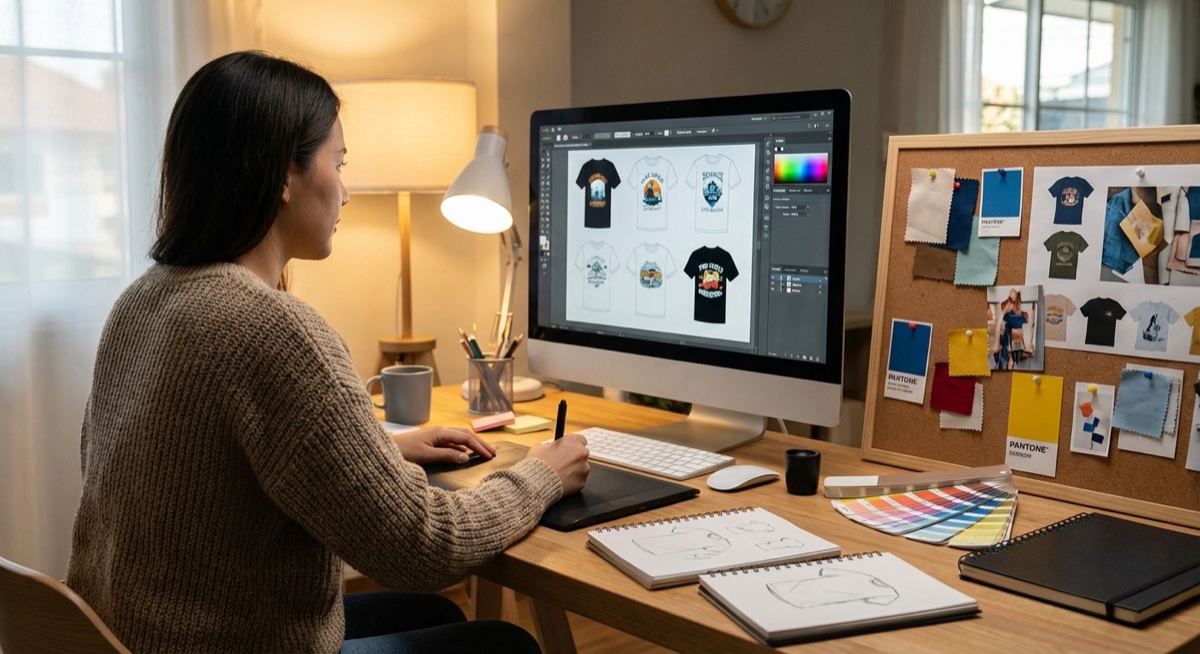
Creating Designs That Convert
Here’s a hard truth from Matt Schmitt: “No amount of ad copy tweaks or image tweaks are gonna overcome a weak design.”
The design is what makes someone stop scrolling. Everything else—your ads, your copy, your pricing—just supports the design. If the design doesn’t grab attention, nothing else matters.
What Makes a Design Sell
After analyzing thousands of winning designs, these patterns emerge:
Specificity Over Generic: “I love dogs” doesn’t sell. “I’d rather be home with my Golden Retriever” does. The more specific, the more your target customer thinks “this was made for ME.”
Emotional Connection: Designs that tap into identity, belonging, or pride outperform clever or funny designs almost every time.
Readability: If someone scrolling at full speed can’t read it, it won’t convert. Simple fonts, high contrast, clear messaging.
Quality Over Quantity: “Never just use the first version that pops out. Always make another 4 or 5 of them, because you might find something better comes up,” coaches advise.
Create 4-5 variations of every design concept before testing.
Design Testing Strategy
From David Schloss, ad coach: “I like to start most campaigns with at least 5 different variations of a product. See how they perform. I do give them at least 3 to 5 days to run.”
Here’s the testing sequence:
Create 5 design variations for one product concept
Test all 5 in one campaign
After 24-48 hours, turn off any that haven’t gotten clicks
After spending $20 per design, turn off any without add-to-carts
Double down on what’s working
Using AI for Design (The Right Way)
AI tools like AvatarIQ can dramatically speed up your design process, but understand their limitations:
AI is great for:
Generating multiple variations quickly
Creating mockup images
Iterating on concepts
AI still needs human input for:
Understanding your specific niche’s preferences
Catching mistakes (weird text, odd proportions)
Making final quality decisions
“ChatGPT is a good resource,” coaches note, “but AI likes to blow smoke up your butt. It does not want to displease you. You can train that out of it. Tell it to stop being so positive. Tell you the truth.”
Setting Up Your Store for Sales
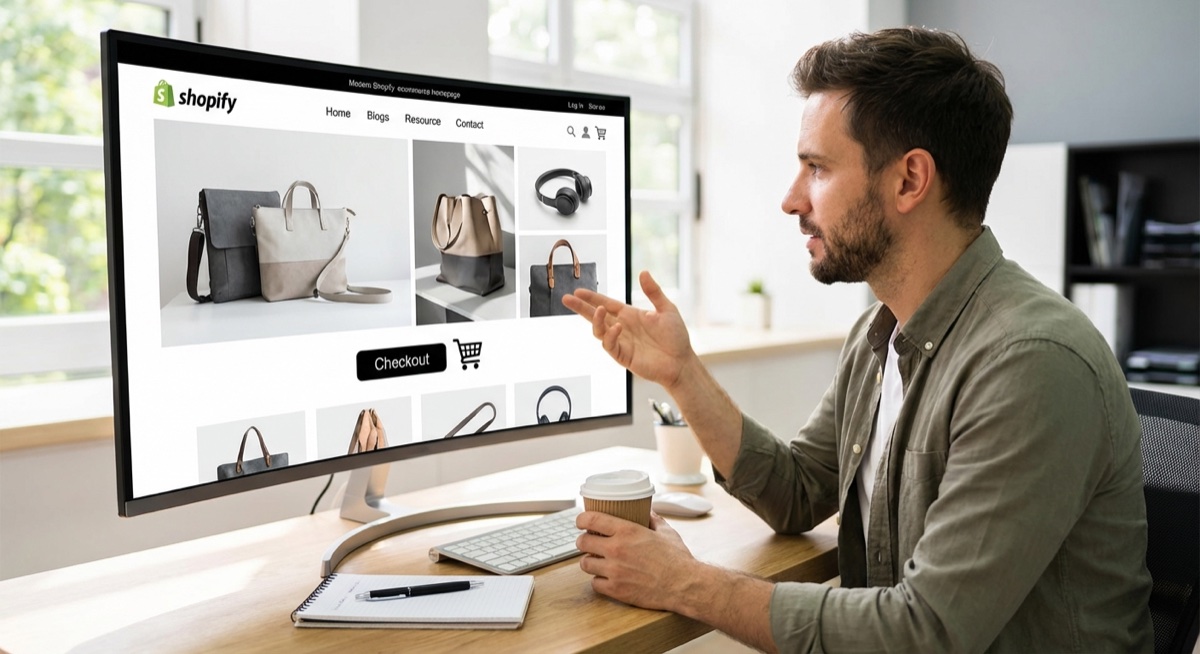
Your store has one job: convert visitors into buyers. Every element should support that goal.
The Critical First Impression
Dylan, the conversion coach at Skup, emphasizes “the fold”—what visitors see before scrolling:
“You need to know what you’re selling before you scroll off the fold. If there’s nothing in your heading, people don’t know what this is. It just looks cool.”
Above the fold must include:
Clear indication of what you sell
At least one product image (preferably lifestyle shot)
Current promotion/discount
Call to action (Shop Now button)
Visitors should understand what you sell within seconds of landing on your page.
The Elements That Actually Convert
Hero Banner: Should show your products on people (not just flat images), include your promotion, and immediately communicate what your store is about.
Product Photography: “You have people in all of your products,” Dylan noted approvingly when reviewing a successful store. Lifestyle images outperform flat product shots every time.
Color Consistency: “This footer could definitely be changed to match your branding,” is common feedback. Colors should be consistent throughout—header, buttons, footer, all matching your brand palette.
Mobile Optimization: Over 80% of your traffic will be mobile. Test everything on your phone before launching.
Pop-ups: The Right Way
“This pop-up happened way too fast. That will literally just take me off the website,” Dylan warns. The rules:
Delay pop-ups by 10-15 seconds OR trigger on scroll
Make them match your brand colors/style
Offer real value (15-20% off, not just “join our newsletter”)
Make them easy to close
Pricing Strategy for Beginners
From the coaching calls: Standard pricing for POD apparel follows the 3x rule—if your cost is $10, price at around $30. But beginners should use discounts strategically:
Launch with 15-20% off to reduce friction
Use urgency (limited time offers)
Consider slightly higher base prices to allow for discounts
Running Your First Facebook Ads
This is where the rubber meets the road. Your first ads will feel scary. That’s normal.
The Basic Setup (No Shortcuts)
David Schloss walks every beginner through the same setup:
Campaign Level:
Objective: Sales (not traffic, not engagement)
Budget: $25/day minimum (this is non-negotiable)
Campaign budget optimization: ON
Ad Set Level:
Conversion event: Purchase
Location: United States
Age: 25+ (higher if your niche skews older)
Targeting: Open (let Meta find your audience)
Placements: Feeds only for square images; all placements if using 4:5 ratio
Ad Level:
Single image format (not carousel, not flexible for beginners)
Primary text: Your main ad copy
Headline: Product name or main benefit
Call to action: Shop Now
Start with simple single-image ads before experimenting with more complex formats.
The Settings Everyone Forgets
“Enhancements are a great way for Meta to spend money on things that don’t work. So make sure all your enhancements are off,” David emphasizes.
Turn OFF:
Advantage+ creative enhancements
Music additions
Text overlays
Multi-advertiser ads
Site links (for beginners)
Audience Network placements
When to Launch
“I don’t like launching ads in the middle of the day because ads get throttled—they oftentimes will spend through your budget throughout the rest of the day,” David explains.
Best practice: Set your ad to start the following day at midnight or early morning (12am-6am your time). This ensures full-day budget distribution.
Best days to launch: Wednesday through Saturday. Avoid Mondays (typically slower) and launching right before major events (Super Bowl, etc.).
Your First $25
Here’s what to expect when you spend your first $25:
Within 24 hours you should see:
Impressions (your ad being shown)
Clicks (people visiting your store)
Hopefully: Add to carts
The Golden Rules:
No clicks after $10 spent = turn off that ad
No add-to-carts after $20 spent = turn off that ad
Add to carts but no purchases = let it run another day
Purchase on day 1 = you might have a winner
Reading Your Data and Making Decisions
Data tells you what to do. Emotions lie. Learn to read your numbers.
The Metrics That Matter
Click-Through Rate (CTR): How many people click your ad after seeing it. Under 1% = your ad isn’t grabbing attention. 1-2% = decent. Over 2% = excellent.
Cost Per Click (CPC): How much you pay for each click. Under $1 = good. $1-2 = acceptable. Over $3 = your ad needs work.
Add to Cart Rate: Of people who click, how many add to cart. Getting clicks but no add-to-carts? Either your product page needs work or your ad is misleading.
ROAS (Return on Ad Spend): For every dollar you spend, how many dollars do you make back. Breakeven is typically around 1.7-2.0 for POD. Above 2.0 = profitable.
Understanding your metrics is essential for making profitable decisions.
The Decision Framework
David’s systematic approach:
Day 1:
Check for clicks. No clicks after $10? Turn it off.
Check for add-to-carts. Got one? Let it run.
Got a sale? Don’t touch anything.
Day 2:
Still no add-to-carts after $20? Turn off that specific ad.
Add-to-carts but no sale? Give it one more day.
Sale? You might have a winner.
Day 3:
No sales after 3 days with add-to-carts = time to try different copy
Sales coming in = keep it running, consider increasing budget
Multiple sales = winner confirmed, time to scale
Know Your Breakeven Number
“You need to know your breakeven number for every product,” David emphasizes. Calculate it:
For a $35 shirt with $15 total costs (including Gelato, shipping, Shopify fees): $35 / $20 = 1.75 ROAS breakeven
Any ROAS above 1.75 = profitable. Below = losing money.
The 15 Most Common Beginner Mistakes
From over 100 coaching calls, these mistakes kill stores before they have a chance:
Mindset Mistakes
1. Expecting overnight success. “Challenge and falling down is part of the game. It is not an exception. Failure is also part of the game,” Matt teaches.
2. Quitting after the first failed design. Most students test 5-10 designs before finding a winner. That’s normal.
3. Touching a winning campaign. “Never touch a campaign that’s working,” is repeated constantly. Seriously. Don’t.
4. Making decisions based on emotions instead of data. Your feelings don’t matter. The numbers do.
Every successful seller has made these mistakes—the key is learning from them quickly.
Technical Mistakes
5. Budget too low. Under $25/day doesn’t give Meta enough data to optimize. Period.
6. Too many products at once. “I would love for you to just do 1 product at a time,” David tells beginners. Master one before adding more.
7. Wrong image dimensions. Square images (1080×1080) = feeds only. Vertical (1080×1350 or 1080×1920) = all placements.
8. Leaving Meta’s “enhancements” on. These waste budget. Turn them all off.
9. Not installing the pixel correctly. Your pixel must fire on purchase. Test it with a real test purchase before running ads.
Strategy Mistakes
10. Launching ads mid-day. Start ads at midnight or early morning for full budget distribution.
11. Not having an email capture. Even if no one’s buying yet, capture emails. They’re valuable later.
12. Inconsistent branding. Colors, fonts, and style should be consistent throughout your store.
13. No clear value proposition. Within 3 seconds, visitors should know what you sell and why they should buy.
14. Ignoring mobile. 80%+ of traffic is mobile. Your store must work perfectly on phones.
15. Pricing too low. Low prices signal low quality. Don’t compete on price—compete on design and experience.
Real Student Success Stories
These aren’t cherry-picked outliers. These are regular people who followed the process:
Adam Schneider: $179K in 90 Days
Adam came into the program as a complete beginner. By following the testing methodology consistently—launching designs, reading data, doubling down on winners—he hit $179,000 in sales within his first 90 days. His record day: over $5,000 in sales.
Simon: $550K in 3 Months
Simon’s success came from patience and consistency. He didn’t chase shiny objects or try to reinvent the process. He followed the framework, tested aggressively, and scaled his winners.
Sean Young: From Zero to 10K Total Sales
Sean documented his journey in the community, sharing both wins and failures. His breakthrough came when he stopped trying to be clever and started following the data. Record day: $522.
Holly Mitchamore: First Sale Night of Launch
Holly proves that following the process works. She got her first sale the same night she launched her ads—not because she was lucky, but because she did the work: proper research, quality designs, correct ad setup.
The Common Thread
None of these students had previous ecommerce experience. None were “technical.” What they all had: willingness to learn, patience to test, and discipline to follow the data instead of their feelings.
Your first sale is closer than you think—it starts with taking action today.
Your First Sale Checklist
Use this checklist before launching your first ads:
☐ Start time set to midnight or early morning NEXT day
☐ All enhancements turned OFF
☐ Correct placements selected for image dimensions
☐ Connected to Facebook page and Instagram
Post-Launch Monitoring
☐ Check morning AND evening
☐ Track clicks, add-to-carts, purchases
☐ Know my breakeven ROAS number
☐ Ready to turn off underperforming ads
☐ Ready with next designs if needed
Frequently Asked Questions
How much money do I need to start?
Realistically, budget $300-500 for testing before your first sale. This covers ad spend ($25/day for 10-14 days), Shopify subscription ($39/month), and domain ($15/year). Some students get lucky earlier; others need more testing. Don’t start if you can’t afford to lose this amount.
How long until my first sale?
Most successful students see their first sale within 2-4 weeks of active testing. This assumes launching 5-10 design tests and following the optimization framework. If you’ve tested 20+ designs with zero sales, something fundamental is wrong (usually niche selection or design quality).
Should I use Printful, Gelato, or Printify?
All three work. Gelato is often recommended for US customers due to domestic fulfillment. The provider matters less than your designs and marketing. Pick one and start—you can always switch later.
What if my ad gets clicks but no sales?
This usually means either: (1) Your ad is attracting the wrong people, or (2) Your product page isn’t converting. First, check if clicks are turning into add-to-carts. If yes, the issue is checkout/pricing. If no, the issue is product page or targeting mismatch.
How do I know if my design is good?
You don’t—the market tells you. That’s why we test. Create your best design, test it with $20-40, and let the data tell you. Getting attached to designs is one of the biggest beginner mistakes.
Can I start with less than $25/day in ads?
You can, but it significantly slows down learning. At $10/day, it takes 2-3 days to gather the data you’d get in one day at $25. Time is also a cost.
Should I run ads to my whole store or one product?
One product at a time for beginners. Master the process with a single product before adding complexity.
What’s the best time to run ads?
Let Meta optimize—don’t restrict hours. But DO launch new ads early in the day (start time midnight-6am) so the algorithm has a full day to distribute budget properly.
The Bottom Line
Getting your first print-on-demand sale isn’t complicated. It’s not easy either. It requires patience, consistency, and the discipline to follow data instead of feelings.
Here’s the path:
Research your niche (don’t skip this)
Create quality, specific designs
Set up a clean, converting store
Run ads with proper settings
Read the data and make decisions
Iterate until something works
Most beginners fail because they try to skip steps or expect instant results. The students who succeed treat this like building a real business—because it is one.
Your first sale is waiting. The only question is: are you willing to do the work to get there?
Ready to accelerate your journey? The Skup Incubator provides live coaching, proven frameworks, and a community of sellers who’ve been exactly where you are. See how our students are building real print-on-demand businesses.
A DTF print shirt is what happens when you print a design onto a special transfer film, apply an adhesive, and then heat-press it directly onto a garment. The final product is a crisp, vibrant, and surprisingly durable shirt that feels fantastic. For entrepreneurs, this method isn't just another option—it's a massive opportunity. Welcome to…
Imagine launching a full-blown apparel brand without ever touching a single t-shirt or hoodie. That’s the magic of print on demand, and if you’ve been waiting for the right moment to jump in, this is it. This is your complete roadmap to getting your first sale and building a real, high-margin brand from the ground…
Quick Answer Matt Schmitt is the co-founder of Skup, a print-on-demand ecommerce training company. With over $30 million in personal ecommerce sales and a decade of experience building and scaling POD stores, Matt oversees Skup’s coaching program and teaches the systems that helped him exit multiple 7-figure businesses. His students have collectively generated tens of…