The Complete Print on Demand Roadmap: From Zero to $10K/Month with Facebook Ads (2026)
The Complete Print on Demand Roadmap: From Zero to $10K/Month with Facebook Ads (2026)
You’ve seen the success stories. Adam Schneider hit $179K in 90 days. Sean Young crossed $50,000 in total sales. Frank Lacy celebrated his $10K milestone. And you’re wondering: is $10,000 a month actually possible for someone starting from zero?
After coaching over 1,000 students through live implementation calls, we’ve seen the exact patterns that separate those who hit $10K/month from those who quit after a few failed tests. This isn’t theory—it’s a roadmap built from watching real people build real businesses.
Here’s the truth: $10K/month isn’t overnight success. It’s a 4-6 month journey with clear phases, predictable obstacles, and specific actions at each stage. This guide walks you through every step.
Table of Contents
- Quick Overview
- Phase 1: Foundation (Week 1-2)
- Phase 2: First Tests (Week 3-4)
- Phase 3: Finding Winners (Month 2)
- Phase 4: Scaling (Month 3-4)
- Phase 5: Optimization (Month 5-6)
- Common Mistakes at Each Phase
- Real Student Results
- Frequently Asked Questions
- The Bottom Line
Quick Overview
The path to $10K/month in print on demand follows a predictable pattern: build your foundation, test products systematically, find 1-3 winning designs, scale those winners with Facebook ads, and optimize with email marketing and repeat customers. Most successful students reach this milestone within 4-6 months of consistent effort—not overnight, but faster than building a traditional business.
Phase 1: Foundation (Week 1-2)
Choosing Your Niche
Your niche determines 80% of your success potential. The best niches share three characteristics:
Passionate communities. Military, nursing, faith-based, fishing, pets—these aren’t just demographics, they’re identities. People in these niches buy apparel to signal who they are.
Gift-giving potential. The best print on demand products aren’t purchased for the buyer—they’re gifts. “I saw this and thought of you” drives massive sales.
Broad enough for variety. Freshwater fishing is too narrow. Fishing is perfect—you can create sub-categories (bass fishing, deep sea, fly fishing) while maintaining a cohesive brand.
From coaching calls, here’s what we’ve learned: students who pick niches they personally understand tend to recognize winning designs faster. One student put it this way: “I didn’t choose first responders because I don’t know what a 10-10 code is.” But after some research and consulting with friends in that niche, she found success combining faith-based designs with first responder themes.
If you’re choosing a niche you don’t personally belong to, that’s fine—but plan to spend time learning the inside jokes, the pain points, and the language of that community.
Setting Up Your Store
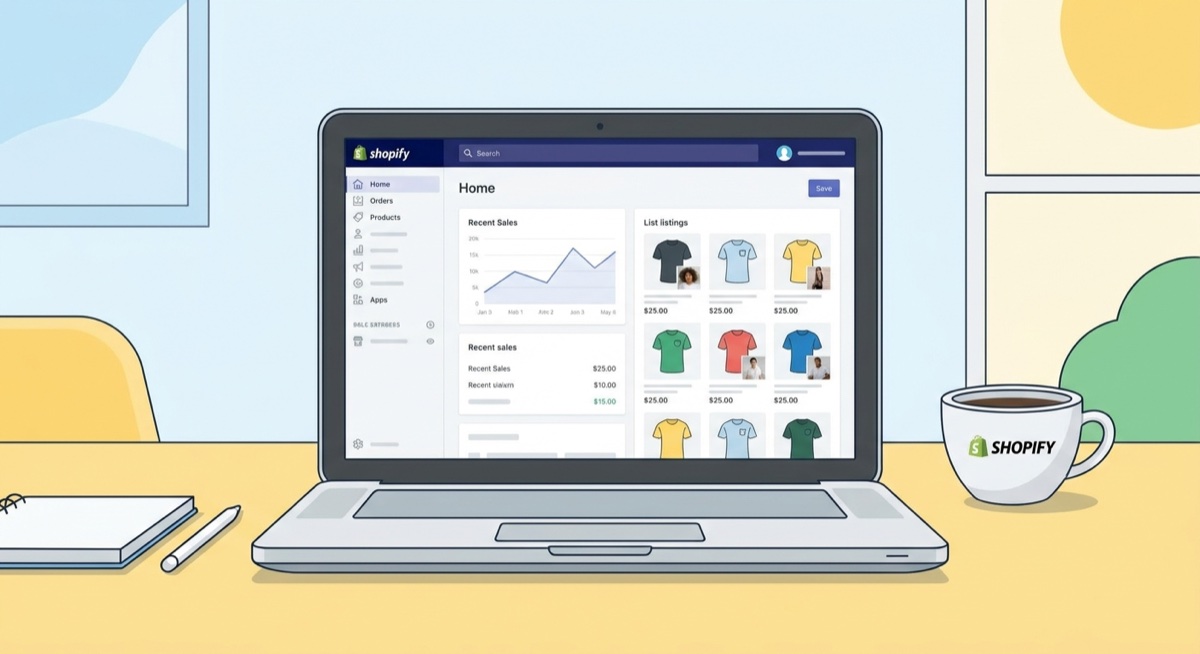
Your Shopify store doesn’t need to be perfect—it needs to be functional. The students who succeed fastest spend 3-5 days on store setup, not 3-5 weeks.
Essential elements:
- Clean theme (Dawn or similar works great)
- Clear product categories
- Simple navigation
- Trust badges and basic policies
- Mobile-optimized checkout
One common trap: spending weeks perfecting your hero image or agonizing over whether collections should display 6 items or 8. From our coaching calls: “People will buy good products. Just keep designing and running ads.”
Creating Your First Designs
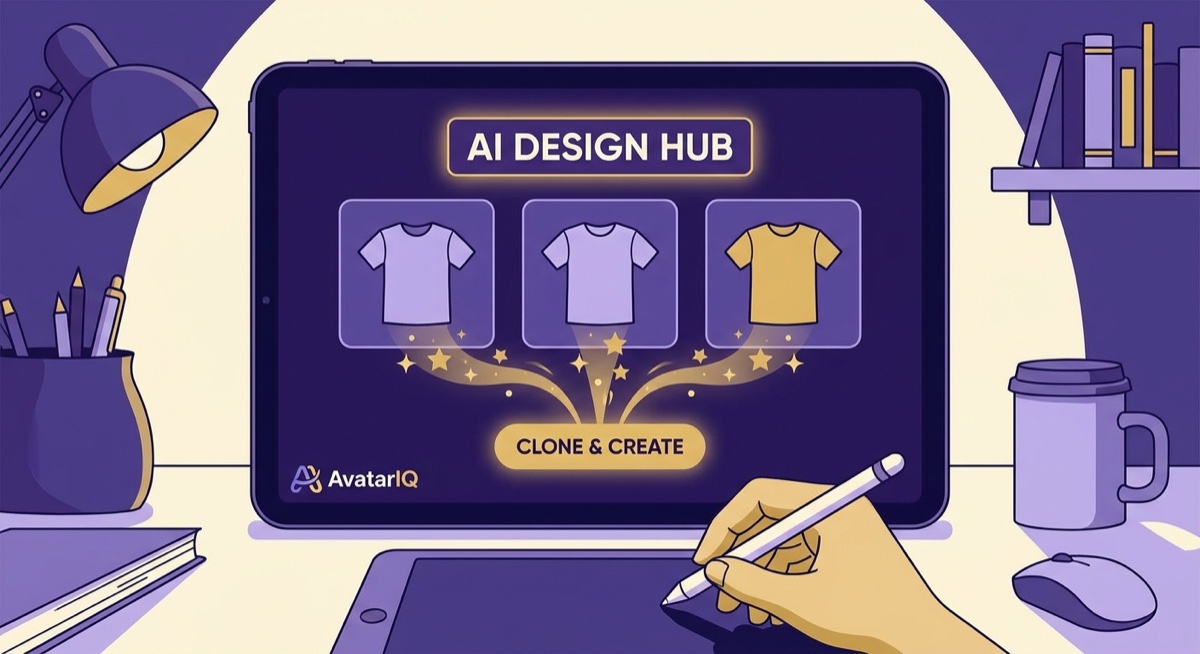
Your first 5-10 designs should be clones of proven winners, not original ideas. This isn’t about copying—it’s about understanding what already sells.
Where to find winning designs:
Google Shopping. Search “[your niche] shirt” and look at sponsored results. These stores are paying to advertise, which means their designs are selling. Bookmark these stores.
Amazon Best Sellers. Search “[your niche] shirt” on Amazon, sort by best selling, and look for products with high review counts. The DS Amazon QuickView Chrome extension shows you Best Seller Rank directly on the page—lower numbers mean more sales.
Facebook Ads. This is the goldmine. Add products to cart on competitor stores (even start checkout), and Facebook will flood your feed with similar products. Screenshot every ad that catches your eye—especially ones with high engagement.
When cloning, use tools like AvatarIQ to create variations. Paste the image URL, and it generates a unique version. Your clone should capture the essence of what makes the original work—the humor, the emotion, the identity signal—while being visually distinct.
Mock-up Strategy
Mock-ups matter more than most beginners realize. From our coaching calls:
Product pages: Clean, no models, white or neutral backgrounds. Think Amazon-style presentation. “Your product page should remind people of Amazon,” one coach explained. “People expect product page mock-ups to be very clean and crisp.”
Ads: Flat lay mock-ups on wood backgrounds, folded shirts, or simple hangers tend to outperform model shots. After reviewing thousands of successful Facebook ads, the pattern is clear: most winning ads show the product, not people wearing the product.
Consistency: Your mock-ups don’t need to be identical across your store, but they should look cohesive. A mix of 2-3 mock-up styles is fine as long as everything looks professional.
Phase 2: First Tests (Week 3-4)
Facebook Ads Setup
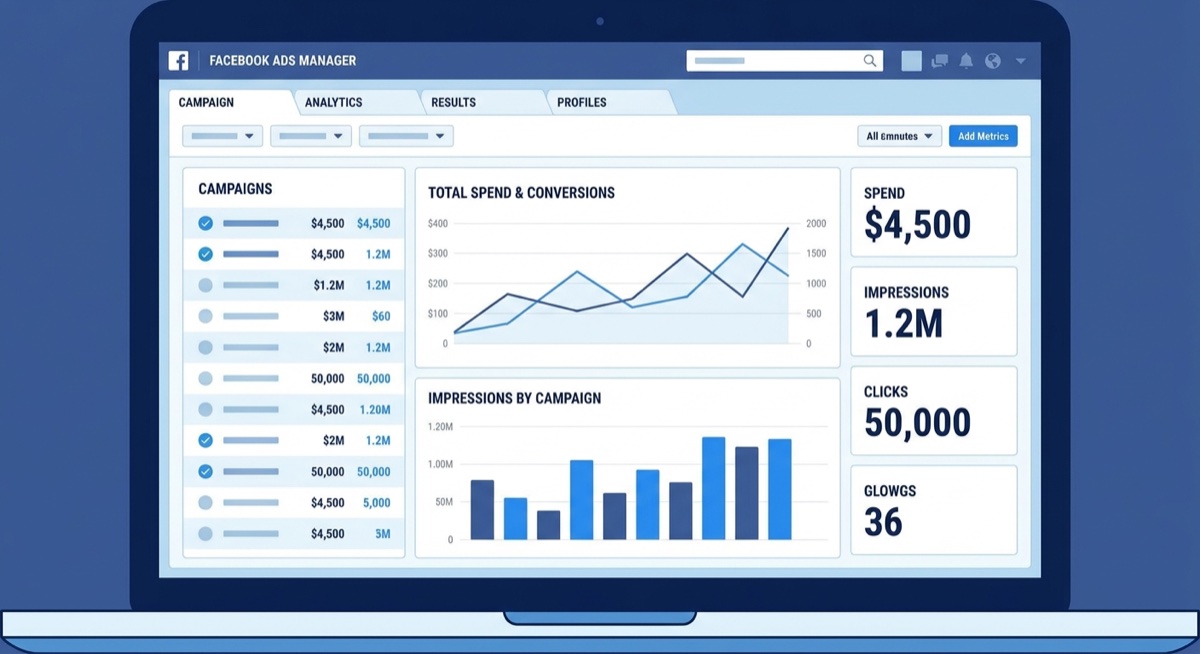
Before running your first ad, complete these verification steps—skipping them causes 90% of “my ads won’t spend” problems:
- Business verification. Submit your ID, business info, and wait for approval.
- Payment threshold. Go to Billing and Payments, change your threshold from $2 to at least $25. This tells Meta you’re serious about spending.
- Pixel connection. Verify your pixel is active in Business Manager under Data Sources > Datasets and Pixels. The pixel that’s “receiving events” is the one connected to your store.
- Two-factor authentication. Meta is starting to mandate this—set it up now to avoid future lockouts.
Common issue from coaching: “My ads say they’re running but nothing is spending.” Almost always, the answer is incomplete verification or a payment threshold set too low.
Your First Campaign Structure
Start simple:
- 1 campaign
- 1 ad set (broad targeting, no interests)
- 3-5 ads (different designs or mock-ups)
- $25-50/day budget at campaign level
Critical settings to turn OFF (Meta loves to turn these back on):
- Audience Network in placements
- Advantage+ creative enhancements
- Multi-advertiser ads
- Promotions and overlays
- All boxes under creative enhancements
From coaching: “I have this belief that Meta likes to mess with everything I touch, so I double-check everything. Even though I’ve told you to make a template campaign and it keeps everything the same, I still check it anyway just in case. Meta has a fantastic way of making more money by just turning things on you wanted off.”
Reading Your Data
The first 24-48 hours are about gathering data, not making profits. Here’s what to look for:
Clicks: If you’re getting clicks but no add-to-carts, your product page might need work—or your design isn’t resonating.
Add-to-carts: This is your first success signal. If you hit $20-25 in spend with no add-to-carts, that specific ad isn’t working. Turn it off.
Cost per add-to-cart: If your add-to-carts are costing as much as a purchase would, that’s a warning sign. You want add-to-carts under $10-15 ideally.
Decision framework from coaching:
- $20-25 spend, no add-to-carts → Turn off that ad
- $20-25 spend with add-to-carts but no purchase → Let it run another day
- Add-to-cart cost approaching your product price → Consider turning off
- Purchase within 1-1.5x your product cost → You might have a winner
The Placement Trap
One of the most common mistakes: leaving Audience Network on. Here’s a real coaching example:
“Mike, you had a lot of clicks coming out of nowhere within a very short period of time. What I wanted to ensure is none of those are Audience Network clicks.”
Audience Network shows your ads on random apps and games. You’ll get tons of cheap clicks that never convert. Always check your placement breakdown (Ads Manager > Breakdown > Placement) to make sure your clicks are coming from Facebook and Instagram, not apps.
Phase 3: Finding Winners (Month 2)
The Testing Mindset
Most students need to test 10-20 products before finding their first winner. Some find it faster, some take longer. The key is systematic testing, not random hoping.
A “winner” in print on demand means:
- ROAS (Return on Ad Spend) above your breakeven point
- Consistent sales over multiple days
- Positive margins after all costs
Calculate your breakeven ROAS using this formula: if your product costs $15 to produce and ship, and you sell it for $30, your breakeven ROAS is 2.0. Every dollar you spend on ads needs to generate at least $2 in revenue just to break even.
When to Kill vs. Keep
This is where most beginners struggle. From hundreds of coaching calls, here are the rules:
Kill the ad when:
- You’ve spent $25+ with zero add-to-carts
- Your ROAS drops below 1.5 (danger zone for most products)
- You have 3+ consecutive bad days
- Add-to-cart costs are higher than your profit margin
Keep the ad running when:
- You’re getting add-to-carts at reasonable costs
- ROAS is between 1.5 and your breakeven (it might recover)
- You had one bad day after several good ones (Mondays are often slow)
- The product is new and still in learning phase
Coaching insight: “I don’t use Monday as a barometer of whether or not my ad is working. If it worked Thursday through Sunday and Monday is poor, it’s okay. It’s when I have consecutive bad days that I worry.”
Retesting Products That Didn’t Work
Here’s something most beginners don’t know: a product that failed its first test might be a winner.
From coaching: “Facebook showing your product to an audience of people, especially if you have no sales, is kind of a crapshoot. Your first tests might have a good product in there, but Facebook doesn’t know how to show it yet.”
Once you’ve made 5-10 sales total (on any product), Facebook gets smarter about finding your customers. That’s when retesting makes sense.
Three ways to retest:
- Redo the design. Change colors, fonts, or layout. One student changed text from light pink to white and turned a breakeven product into a winner.
- Try a different theme. A design that flopped in its original form might work with a fall theme, a holiday angle, or stripped of any seasonal elements entirely.
- New mock-ups. Try folded instead of flat lay, or vice versa. Sometimes the same design in a different presentation finds its audience.
The Day-of-Week Pattern
After making enough sales, you’ll notice patterns. Most print on demand stores see:
- Monday-Wednesday: Slower sales
- Thursday-Sunday: Peak sales
- Major events (Super Bowl, playoffs): Sales drop unless you’re in that niche
Don’t panic if Monday is slow. Don’t make major decisions based on one bad day. Look at 7-day trends instead.
Phase 4: Scaling (Month 3-4)
When to Scale
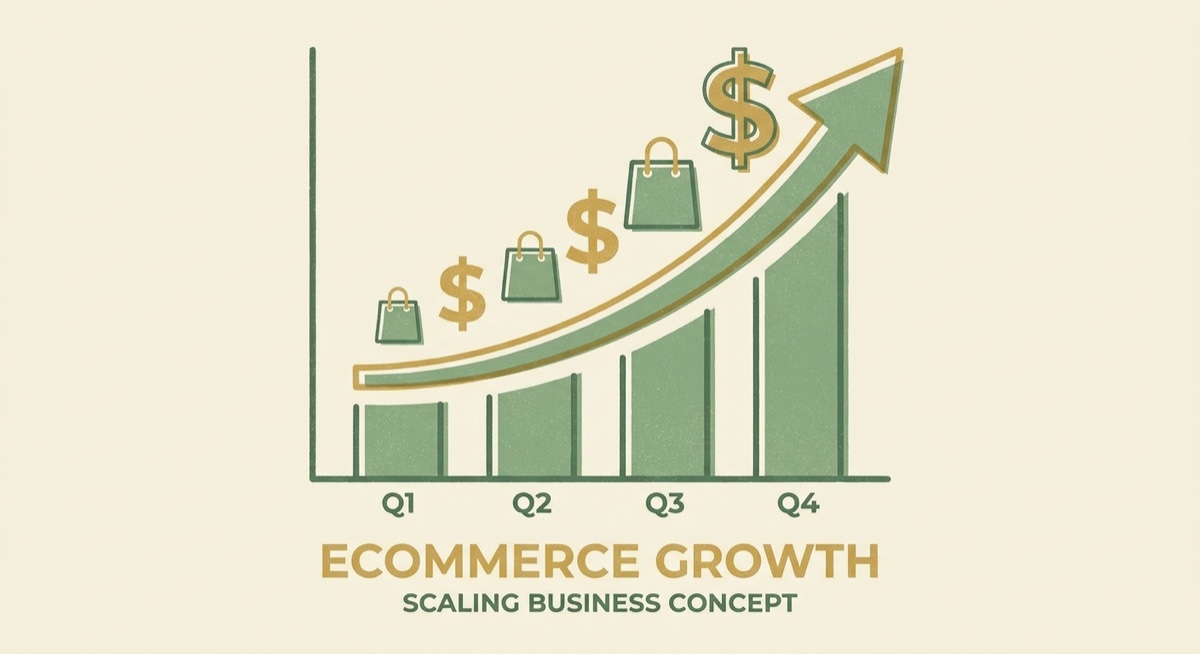
You’ve found a winner—ROAS above 2.0, consistent sales for a week+. Now what?
First rule: “Once you have something that’s working, don’t touch a damn thing.” Don’t change the ad, don’t tweak the design, don’t adjust the targeting. Let it run.
Second rule: Scale gradually. From coaching: “If you’re at 1.77 and your breakeven is 1.6, you’re too close for scaling. One bad day and you’re underwater. Wait until you’re solidly above 2.0 before increasing budget.”
Scaling method:
- Wait for a good day (Thursday or Friday typically)
- Increase budget by 10-20%
- Monitor for 48 hours
- If ROAS stays strong, repeat
Don’t increase budget on slow days. Don’t increase by more than 20% at once. The algorithm needs time to adjust.
Duplicating Winners
The safest way to scale: create a new campaign with the same winning ad, rather than just increasing budget on the existing one.
Why? Facebook might find a different pocket of your audience with the new campaign. You’re essentially testing whether there are more buyers out there.
Important: Never run duplicate campaigns in the same ad set. They’ll compete with each other. New campaign = new ad set = fresh start.
Building Your Email List
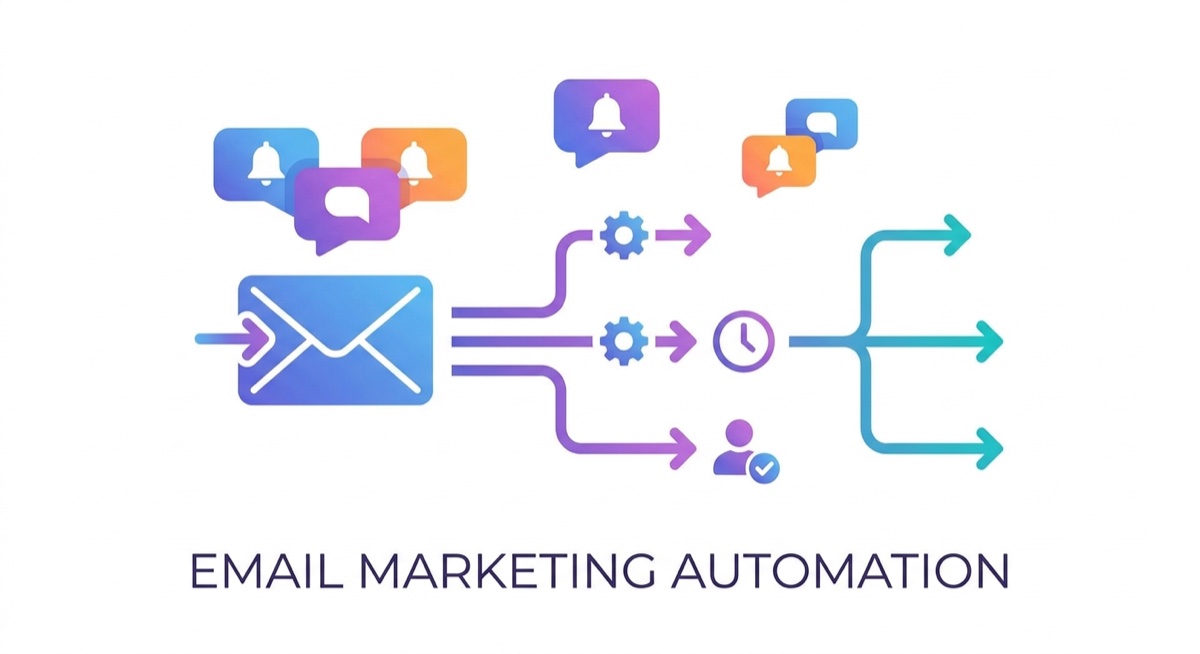
This is where the $10K/month students separate from the $3K/month students.
From coaching: “Damon makes good money from email. If it wasn’t for email, he would be rotating ads all the time. But because email generates a good amount of revenue, he can take a little bit of a hit on some of his ads.”
Email transforms your business from “always hunting for new customers” to “selling to people who already bought from you.”
Welcome Flow Setup (Klaviyo):
Email 1 (Immediate): Welcome + deliver the discount promised in your popup. Keep it simple—here’s your offer, here’s how to use it.
Email 2 (4 days later): Value add + reminder. Share what your brand represents. Include another reminder about their unused discount.
Email 3 (60 hours after Email 2): Final reminder, straight to the point. “Your discount expires soon.”
That’s it. Three emails. Don’t overcomplicate it.
The Breakeven + Email Strategy
Here’s a powerful insight from our coaching calls:
If your ads are running at breakeven (ROAS = your breakeven number), you’re not losing money—you’re buying customers. Those customers go into your email list. When you send campaigns, you profit.
This means you can afford to be more aggressive with testing. A product that’s “only” breaking even on ads might still be worth running if it’s building your list.
Phase 5: Optimization (Month 5-6)
Multiple Winners
By month 5-6, successful students typically have:
- 1-3 winning products running profitably
- An email list of 1,000+ subscribers
- A system for testing new products weekly
- Understanding of their customer avatar
The $10K/month math: If you have 3 products each doing $100/day in profit, you’re at $9K/month. Add email revenue and you’re over $10K.
Cross-Platform Expansion
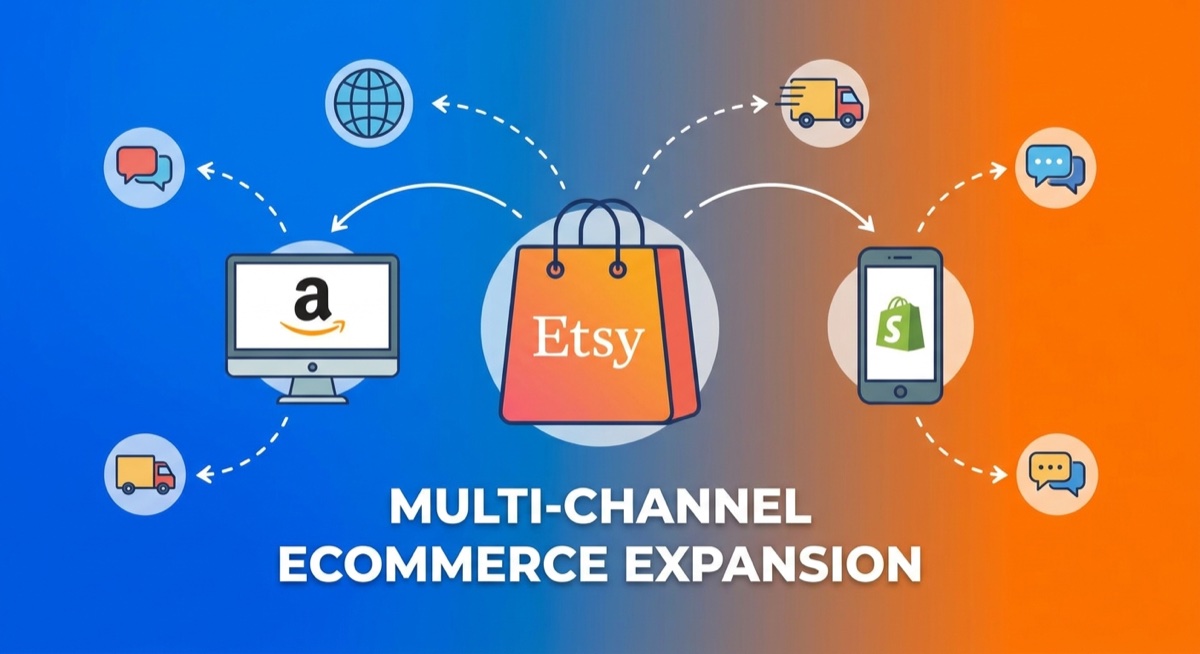
Once your Shopify store is profitable, expand to:
Etsy: Put your winning designs on Etsy. They’ll sell with zero ad spend. Etsy buyers are ahead of the curve—they buy early, especially for holidays.
Amazon: Consider FBA (Fulfilled by Amazon) for your best sellers. Products with Prime shipping sell significantly more during peak seasons.
From coaching: “Every Shopify seller should have an Etsy store. It’s free money. If you ever want to sell your business someday, having 3 platforms generating income is valuable.”
Product Expansion
Winning designs should exist on multiple products:
- T-shirts → hoodies → sweatshirts
- Add mugs, tumblers, stickers
- Create bundles
Stickers make great upsells—offer a free sticker on orders of 3+ items. You barely profit on the sticker, but your average order value increases significantly.
The Long Game
Students who hit $10K/month and stay there understand: this is a real business, not a lottery ticket.
Reinvest profits. “For the first year, don’t take out profit at all if you can avoid it,” one coach advised. Every dollar reinvested accelerates growth.
Build systems. As you scale, you’ll need:
- A graphic designer (or proficiency with AI tools)
- Customer service templates
- Product research workflow
- Testing schedule
Common Mistakes at Each Phase
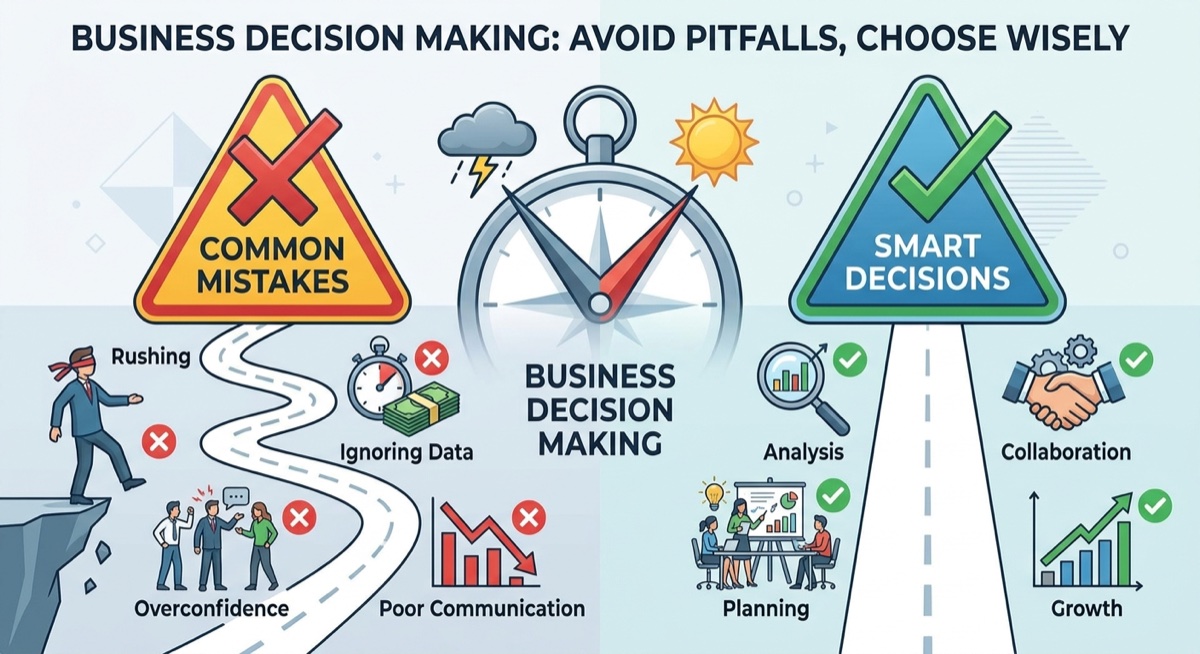
Phase 1 Mistakes
- Spending weeks perfecting your store instead of launching
- Choosing a niche you don’t understand and can’t research
- Creating “original” designs instead of cloning proven winners
- Using model mock-ups for product pages
Phase 2 Mistakes
- Skipping verification steps, then wondering why ads won’t spend
- Leaving Audience Network enabled
- Checking ads every hour and making emotional decisions
- Launching tests on Mondays
Phase 3 Mistakes
- Giving up after 5 failed tests (you need 10-20)
- Never retesting products that showed promise
- Panicking over one slow day
- Turning off winning ads “to try something new”
Phase 4 Mistakes
- Scaling too fast (more than 20% budget increase at once)
- Scaling on slow days
- Changing winning ads
- Ignoring email list building
Phase 5 Mistakes
- Taking out all profits instead of reinvesting
- Relying on one platform
- Stopping product testing after finding winners
- Not building systems for scale
Real Student Results
These results come from real students who followed this roadmap:
Adam Schneider: Hit $179K in his first 90 days. Now over $500K total. Key insight: He understood it would take work with ups and downs, stayed humble enough to ask for help, and focused on long-term brand building over quick wins.
Sean Young: Crossed $50,000 in total sales with over 1,000 orders. Started with testing multiple designs, found his winners, and scaled systematically. Recently crossed $10K in a single month.
Kirsten Brown: Hit $418 in a single day after finding her winning product. The breakthrough came from consistent testing and not giving up after initial failures.
Frank Lacy: Achieved the $10K milestone. Focused on one niche, mastered his customer avatar, and built a sustainable business rather than chasing viral moments.
Ernso Marcelin: Saw 18 orders in just 4 days after dialing in his Facebook ad strategy. Consistent 5-6 order days became his new normal.
Frequently Asked Questions
How much money do I need to start?
Minimum $500-1,000 for testing. Ideally $2,000-3,000 to give yourself enough runway to find winners. This covers Shopify subscription, initial ad spend, and tools like design software.
How many hours per week does this take?
In the beginning: 10-15 hours/week for store setup, design creation, and learning. Once running: 5-10 hours/week for monitoring ads, fulfilling orders, and testing new products. Many successful students built their businesses while working full-time jobs.
What if I can’t afford $50/day on ads?
Start with $25/day. Test fewer products at once, but test systematically. Some students have succeeded starting with even less, though it takes longer to gather data.
Should I use interests or broad targeting?
Start broad. Facebook’s algorithm is smart—once you make sales, it learns who your customer is. From coaching: “Matt makes it very clear that you don’t need to put interests to get in front of the right people. Your creative needs to speak to those people, and Meta will categorize where it needs to go.”
How long until I see my first sale?
Most students see their first sale within the first week of running ads. But first sale ≠ profitable. Focus on finding products that sell consistently, not celebrating one random purchase.
What if my niche is very specific (like freshwater fishing)?
Specific niches can work, but consider broadening slightly. “Fishing” gives you more angles than “freshwater fishing.” You can always create sub-categories within a broader niche.
Do I need to be good at design?
No. AI tools like AvatarIQ can clone and create designs with just a prompt or reference image. Many successful students have zero design background—they let AI handle the creative work.
What’s the difference between winners and losers in this business?
From coaching, the best students share these traits: humble enough to know they need help, willing to work through ups and downs, ask questions because they’re actually trying, and understand that changing their situation requires changing their actions. The worst students want solutions handed to them and expect to be rich immediately.
The Bottom Line
$10K/month in print on demand is achievable—but it’s not magic. It’s a systematic process of building a foundation, testing products, finding winners, and scaling what works.
The students who succeed share a common trait: they treat this like a real business, not a lottery ticket. They show up consistently, learn from failures, and understand that building something valuable takes time.
Your timeline might be 4 months or 8 months. Your first winner might come on test #3 or test #15. But if you follow this roadmap—really follow it, with consistency and patience—$10K/month is not just possible. It’s probable.
The only question is: are you ready to put in the work?
For step-by-step training on every phase of this roadmap, including live coaching calls where you can get feedback on your specific products and ads, check out the Skup Incubator. We’ve helped hundreds of students build profitable print on demand businesses, and we’d love to help you too.